Google reviews are often the first thing a new customer reads about you. They influence whether someone calls you or scrolls to the next business, and Google lists review count and score as part of local prominence. The good news is that most happy customers are willing to leave a review — they just need to be asked at the right moment, in the right way.
This guide shares 12 simple, honest ways to get more Google reviews without breaking any rules.
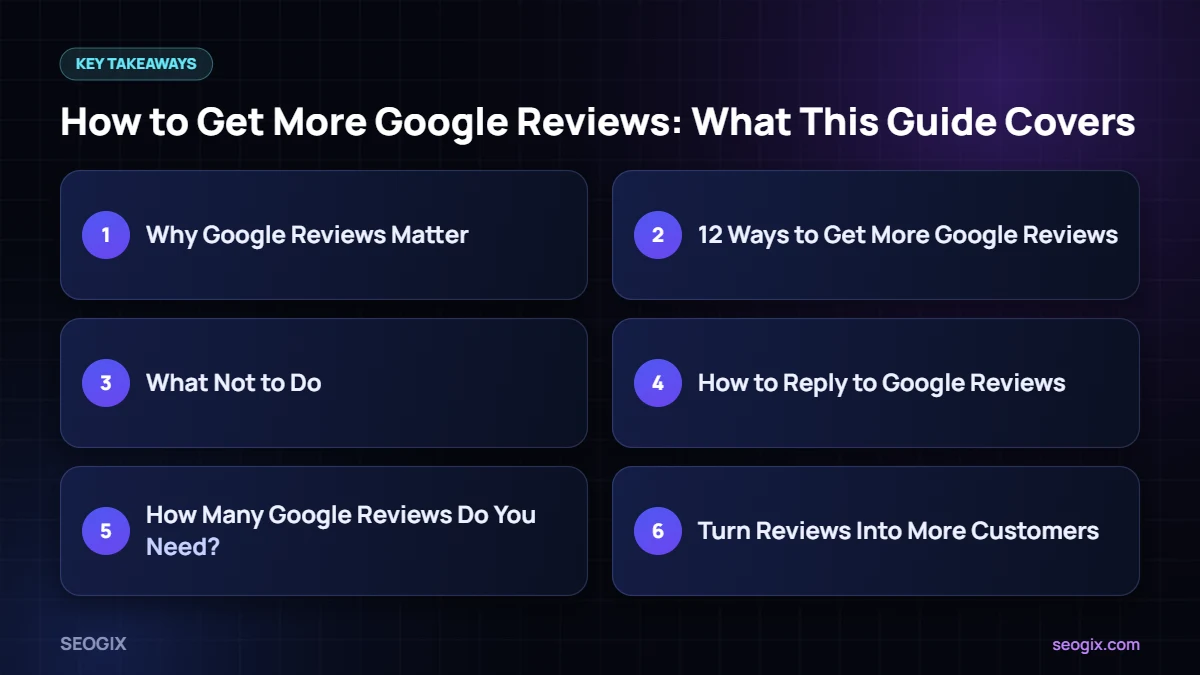
Why Google Reviews Matter
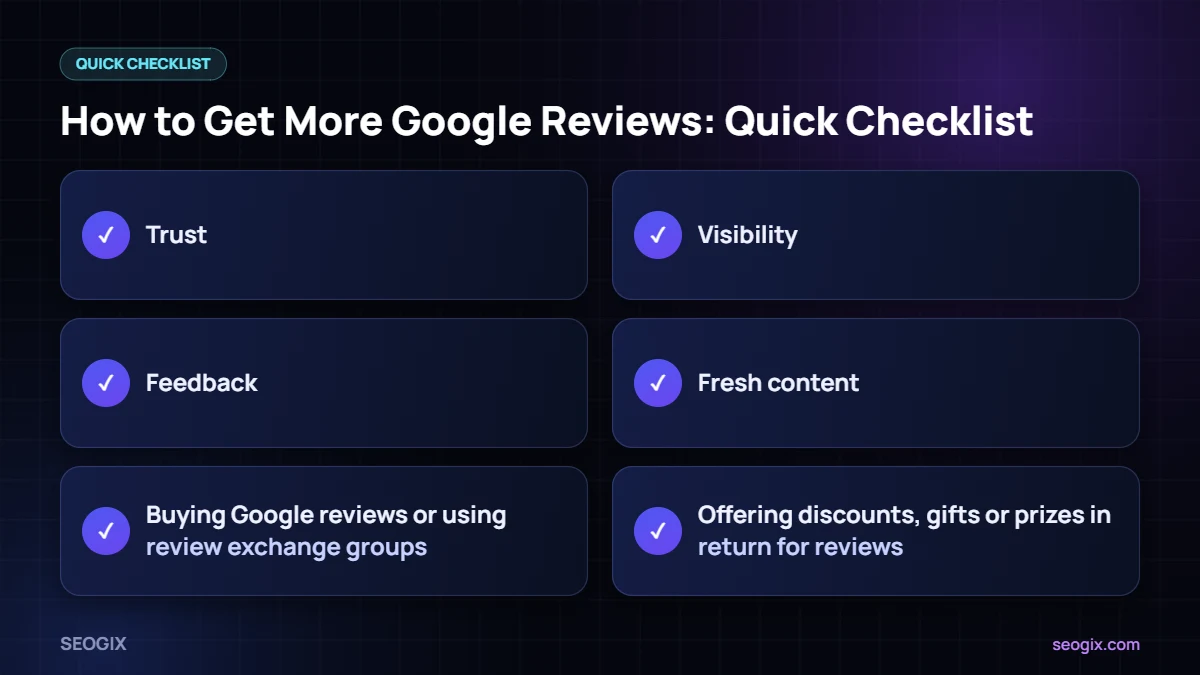
- Trust: people compare ratings and read recent reviews before choosing a local business.
- Visibility: Google says review count and score factor into local ranking as part of prominence.
- Feedback: reviews show you what customers love and what needs fixing.
- Fresh content: new reviews keep your profile active and relevant.
You can read Google’s own view on reviews and local ranking in its local ranking help article.
12 Ways to Get More Google Reviews
1. Create a short review link
In your Google Business Profile, use the “Ask for reviews” or “Get more reviews” option to copy your review link. Shorten it if needed and save it somewhere your whole team can use it.
2. Ask at the moment of happiness
The best time to ask for Google reviews is right after a positive moment — a finished job, a successful appointment or a thank-you message from the customer.
3. Ask in person first
A friendly verbal request followed by the link works better than an email out of nowhere. Keep it short: “Would you mind sharing your experience on Google? It really helps a small business like ours.”
4. Send a follow-up message
Send the link by WhatsApp, SMS or email the same day. Personalise it with the customer’s name and the service you provided.
5. Add a QR code
Put a QR code linking to your review form on receipts, invoices, counters, packaging or business cards.
6. Add the link to your email signature
A simple “Happy with our service? Leave us a Google review” line in every email collects reviews passively over time.
7. Make it part of your process
Add “send review link” as the final step in your job checklist or CRM so it never gets forgotten.
8. Train your team
Everyone who speaks to customers should know how and when to ask. Share example wording so it feels natural.
9. Reply to every review
Customers notice when a business replies. Thank people for positive Google reviews and respond calmly and helpfully to negative ones. Replies show future customers that you care.
10. Make it easy on mobile
Most people leave reviews on their phone. Test your review link on mobile to make sure it opens straight to the review box.
11. Show reviews on your website
Displaying real reviews on your site builds trust and reminds visitors that reviewing you is normal.
12. Ask past customers once
If you have a list of past customers who were happy with your work, send a single polite request with your review link. Do not repeat it.
What Not to Do
Google’s policies are strict, and fake or incentivised reviews can be removed or lead to restrictions on your profile. Avoid:
- Buying Google reviews or using review exchange groups.
- Offering discounts, gifts or prizes in return for reviews.
- Asking only happy customers while blocking unhappy ones (often called review gating).
- Writing reviews for your own business or asking employees to do it.
- Setting up a review station on a single device in your shop, which can trigger spam filters.
How to Reply to Google Reviews
Positive review template
“Thank you, [Name]! We are glad the [service] went smoothly. It was a pleasure working with you, and we are here whenever you need us again.”
Negative review template
“Hi [Name], we are sorry your experience was not what you expected. We would like to understand what happened and put it right — please contact us at [phone or email].”
Keep replies polite and specific, and never share private customer details in public.
How Many Google Reviews Do You Need?
There is no magic number. What matters is how you compare with the businesses ranking in your area, how recent your reviews are and how steadily you collect them. A slow, consistent flow of genuine Google reviews looks far more natural than a sudden burst.
Turn Reviews Into More Customers
Reviews work best alongside a complete profile, accurate citations and a strong website. Follow our local SEO checklist and Google Business Profile guide, or let our local SEO team handle the full process for you.
Example Google Reviews Request Messages
Having ready-made wording makes asking for Google reviews much easier for your team. Adjust these examples to match your tone.
WhatsApp or SMS
“Hi Sara, thanks again for choosing us for your kitchen repair today. If you have a minute, a short Google review would really help other people find us: [link]. Thank you!”
Email after a project
“Hi Ahmed, it was great working on your website this month. If you are happy with the results, would you share a few words about your experience on Google? Here is the direct link: [link]. Your feedback helps us improve and helps other business owners decide.”
In-store sign
“Enjoyed your visit? Scan the code to tell others on Google — it takes less than a minute.”
How to Handle a Sudden Drop in Google Reviews
Sometimes businesses notice that some Google reviews disappear. This usually happens when Google’s systems filter reviews that look suspicious, such as many reviews from the same device or network, or reviews from brand-new accounts with no history. To reduce the risk, never ask customers to review you on a shared shop tablet, avoid asking everyone on the same day, and let reviews arrive naturally over time.
If you believe genuine reviews were removed by mistake, you can contact Google Business Profile support with details. Keep a record of the customers you asked so you can show that the requests were real.
Frequently Asked Questions
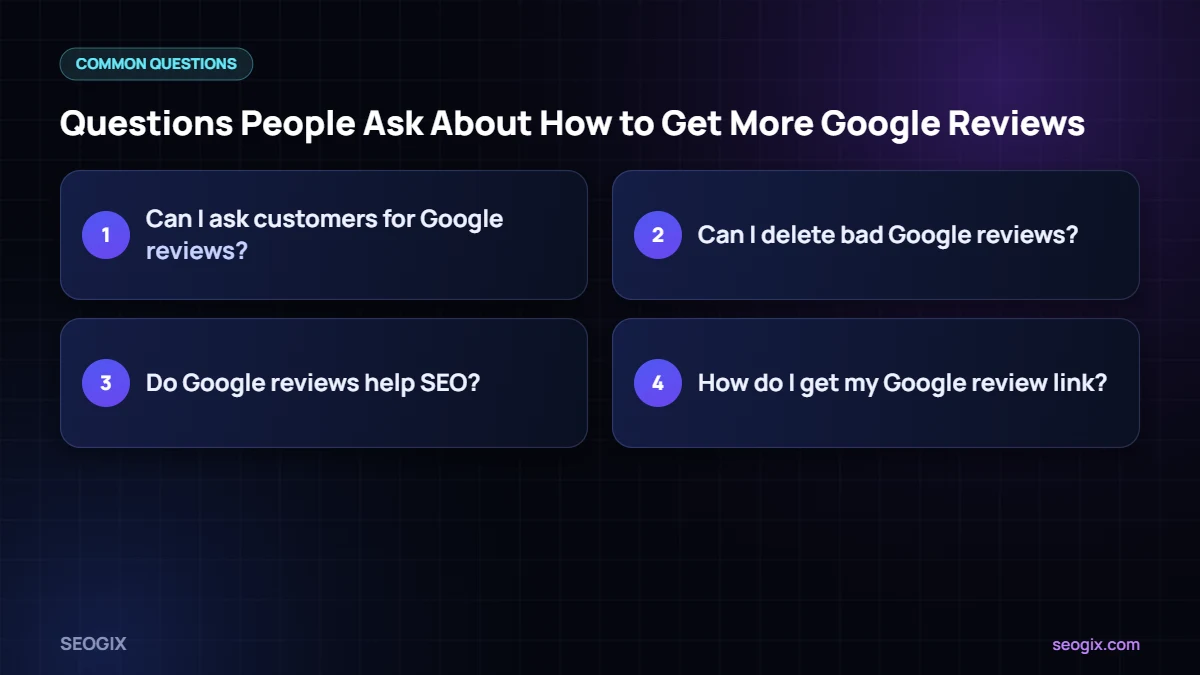
Can I ask customers for Google reviews?
Yes. Google allows businesses to ask customers for reviews. What is not allowed is offering incentives, selectively asking only happy customers, or posting fake reviews.
Can I delete bad Google reviews?
You cannot delete reviews yourself. You can report reviews that break Google’s policies, such as spam or off-topic content, and reply professionally to genuine negative reviews.
Do Google reviews help SEO?
Google lists reviews as part of prominence in local ranking, and they strongly influence whether people choose your business.
How do I get my Google review link?
Open your Google Business Profile, choose the option to ask for reviews and copy the link that appears. You can share it by message, email or QR code.