This technical SEO checklist starts from a simple truth: great content and strong backlinks cannot help a website that Google struggles to crawl, index or load. Technical SEO makes sure search engines can find your pages, understand them and show them to users with a good experience. Use this checklist to audit your site step by step.
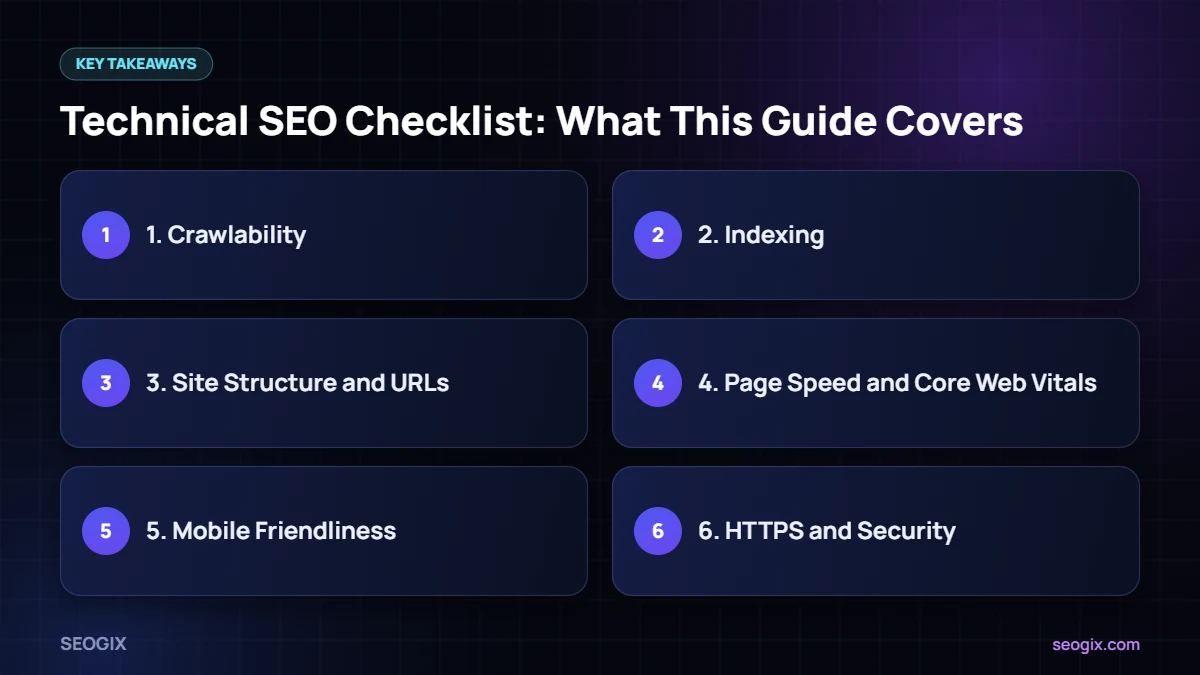
1. Crawlability
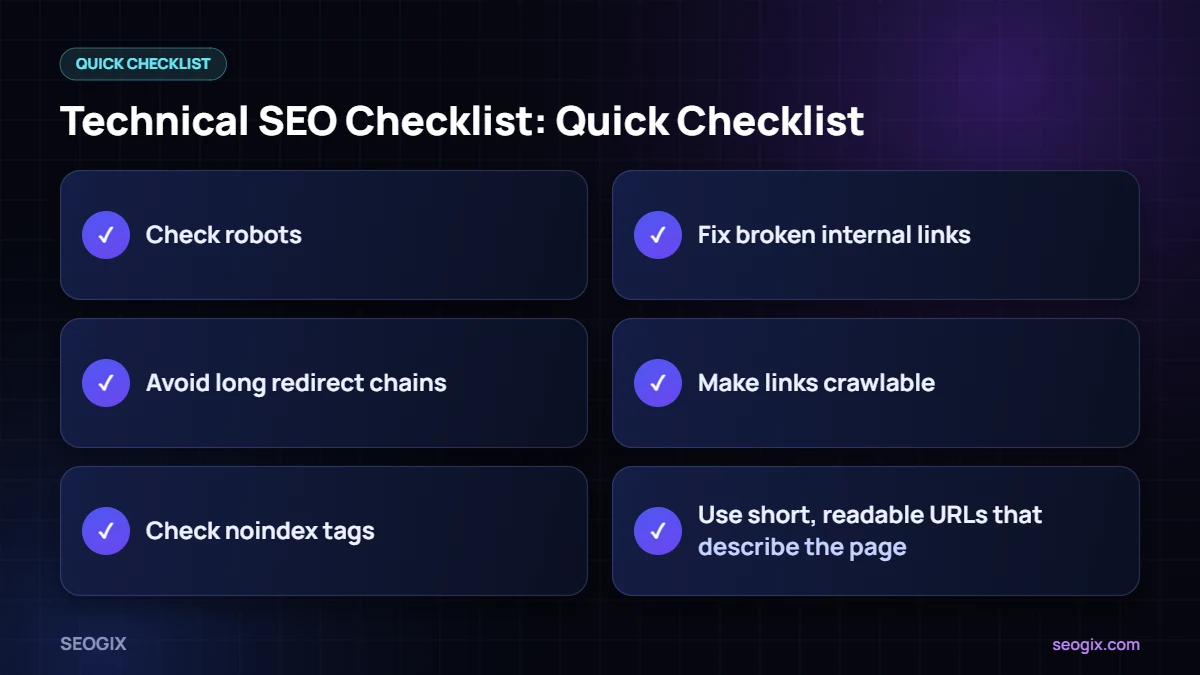
- Check robots.txt. Make sure important folders, CSS and JavaScript files are not blocked.
- Fix broken internal links. Links to 404 pages waste crawl paths and frustrate users.
- Avoid long redirect chains. Point links straight to the final URL.
- Keep important pages within a few clicks of the homepage through menus, hub pages and internal links.
- Make links crawlable. Google’s link best practices recommend standard
<a href>links rather than links that only work with JavaScript events.
2. Indexing
- Review the Page indexing report in Google Search Console for pages that are “Crawled – currently not indexed” or “Excluded by noindex”.
- Check noindex tags. Confirm no important page is accidentally set to noindex.
- Use canonical tags correctly so duplicate or near-duplicate URLs point to the preferred version.
- Submit an XML sitemap that contains only indexable, canonical URLs that return a 200 status.
- Handle thin and duplicate pages by improving, merging or removing them.
3. Site Structure and URLs
- Use short, readable URLs that describe the page — see our guide to URL structure for SEO.
- Group related content into clear categories and link between related pages.
- Add breadcrumbs so users and search engines understand page hierarchy.
- Keep one version of the site: HTTPS, with or without www, redirected consistently.
4. Page Speed and Core Web Vitals
Core Web Vitals measure real-user experience. Google’s recommended “good” thresholds are:
- Largest Contentful Paint (LCP): 2.5 seconds or less — how fast the main content loads.
- Interaction to Next Paint (INP): 200 milliseconds or less — how quickly the page responds to clicks and taps. INP replaced First Input Delay in March 2024.
- Cumulative Layout Shift (CLS): 0.1 or less — how much the layout jumps while loading.
Common fixes include page caching, compressing and resizing images (WebP or AVIF), lazy-loading images below the fold, removing unused scripts and plugins, preloading the main hero image and reserving space for images and ads to prevent layout shifts. Check your scores in PageSpeed Insights and the Core Web Vitals report in Search Console.
5. Mobile Friendliness
- Google uses mobile-first indexing, so the mobile version of each page is what gets evaluated.
- Make sure content, structured data and internal links are the same on mobile and desktop.
- Use readable font sizes and tap targets that are easy to press.
- Avoid intrusive pop-ups that cover the main content on mobile.
6. HTTPS and Security
- Serve every page over HTTPS with a valid certificate.
- Redirect all HTTP URLs to HTTPS with 301 redirects.
- Fix mixed content, where an HTTPS page loads images or scripts over HTTP.
- Check the Security issues report in Search Console.
7. Structured Data
- Add schema markup that matches your content, such as Organization, LocalBusiness, Article, Product, FAQPage or BreadcrumbList.
- Validate it with Google’s Rich Results Test.
- Only mark up content that is visible on the page.
8. On-Page Technical Basics
- One clear, unique title tag and meta description per page.
- One H1 per page, with a logical H2–H3 structure.
- Descriptive alt text on meaningful images.
- Hreflang tags for sites that target several languages or countries.
- A helpful custom 404 page that links back to key sections.
9. Monitor Regularly
Technical SEO is not a one-time job. Check Search Console weekly for indexing, Core Web Vitals and manual action messages, and run a full crawl with a tool such as Screaming Frog after every major site change.
Quick Technical SEO Checklist
- robots.txt allows important pages and resources
- No broken internal links or redirect chains
- Important pages are indexed and not set to noindex
- Canonical tags point to the right URLs
- XML sitemap submitted and clean
- LCP ≤ 2.5s, INP ≤ 200ms, CLS ≤ 0.1
- Mobile and desktop content match
- HTTPS everywhere with no mixed content
- Valid structured data
- Unique titles, descriptions and one H1 per page
Want an expert to run this for you? Our technical SEO service fixes crawl, speed and indexing issues, and you can start with a quick check using our free website audit tool. If your traffic has already dropped, read 10 reasons website traffic drops.
Frequently Asked Questions
What is technical SEO?
Technical SEO is the work that helps search engines crawl, index and render your website, and gives users a fast, secure, mobile-friendly experience. It covers areas such as robots.txt, sitemaps, canonicals, speed, HTTPS and structured data.
How often should I do a technical SEO audit?
Run a full audit at least every few months and after any major change such as a redesign, migration or new plugin. Check Search Console reports weekly.
What are good Core Web Vitals scores?
Google’s “good” thresholds are LCP of 2.5 seconds or less, INP of 200 milliseconds or less and CLS of 0.1 or less, measured on real users.
Does page speed affect rankings?
Page experience, including Core Web Vitals, is one of many signals Google uses. Speed rarely beats relevance, but a slow site loses visitors and conversions.
Which tools do I need for technical SEO?
Google Search Console and PageSpeed Insights are free and essential. A crawler such as Screaming Frog, plus a tool like Ahrefs or Semrush, helps with deeper audits.