When someone searches for a service in their area, Google often shows a map with three businesses at the top of the results. Getting into that “map pack” can bring a steady flow of calls and visits. Your Google Maps ranking depends on a few clear factors, and most of them are under your control.
This guide explains how Google Maps ranking works and ten proven ways to improve it.
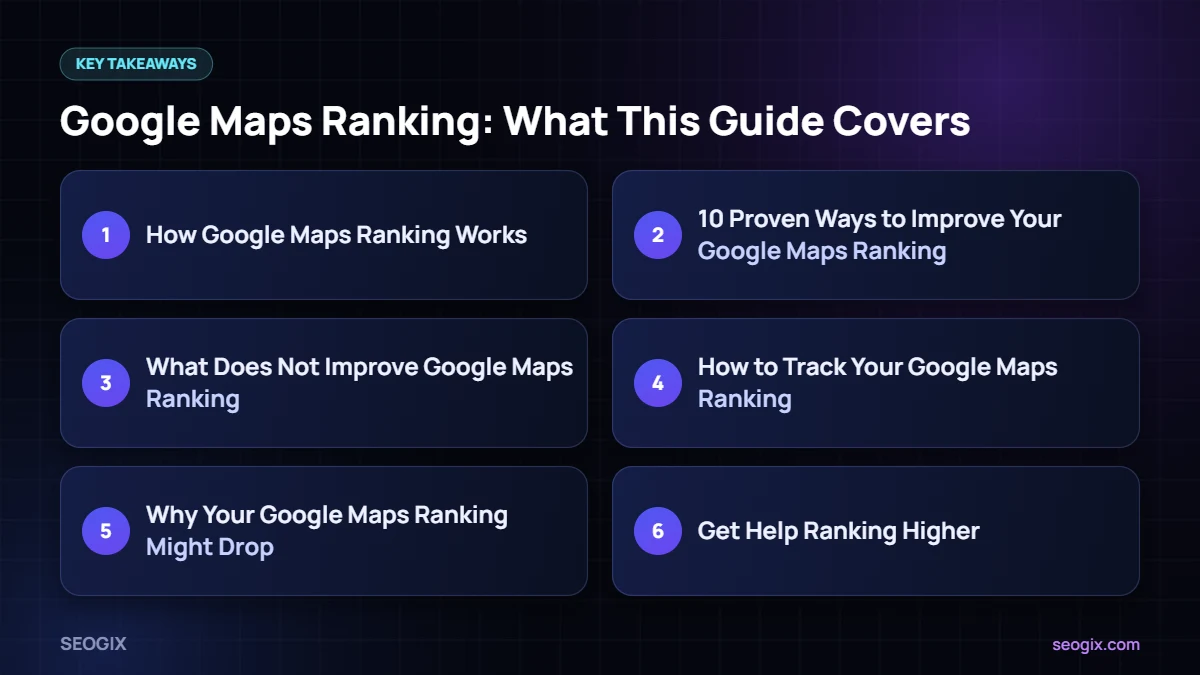
How Google Maps Ranking Works
Google says local results are based mainly on three things:
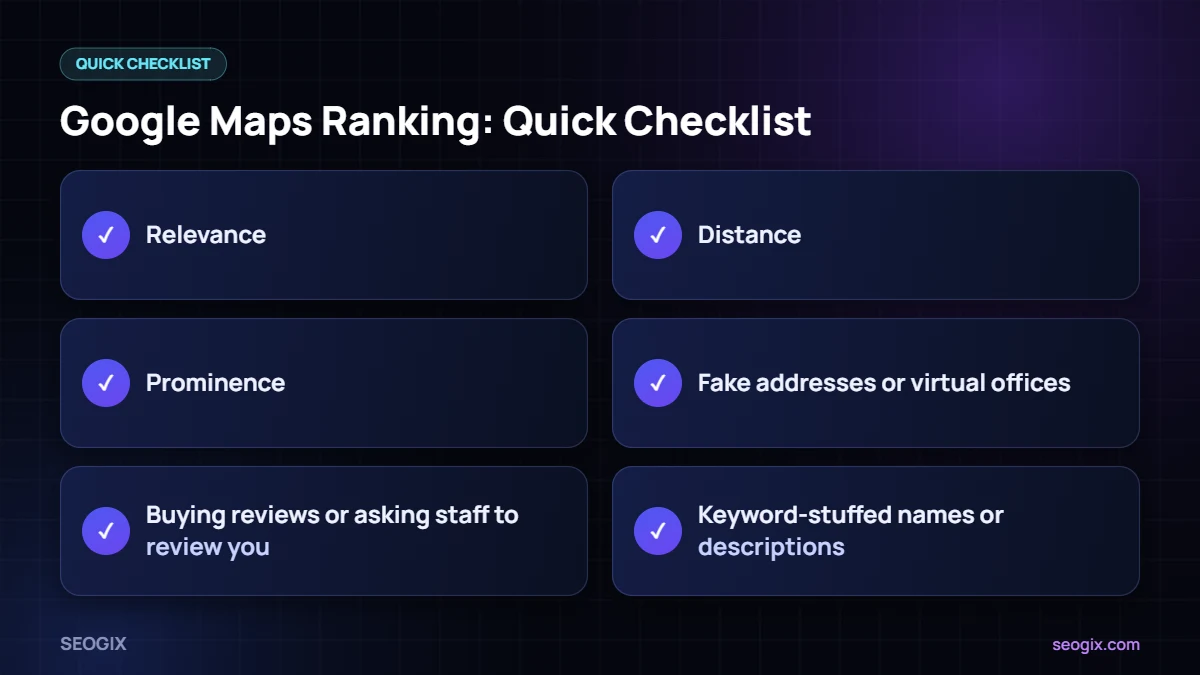
- Relevance: how well your profile matches what the person searched for.
- Distance: how far your business is from the searcher or the location they searched.
- Prominence: how well known your business is, based on reviews, links, articles and other information from across the web.
You cannot move your business closer to every customer, but you can improve relevance and prominence. Google explains these factors in its guide to improving local ranking.
10 Proven Ways to Improve Your Google Maps Ranking
1. Complete every part of your profile
Fill in your categories, description, hours, services, products, attributes and photos. Complete profiles give Google more information to match you with searches.
2. Choose the best primary category
Your primary category is one of the strongest relevance signals. Pick the one that matches your main service, and check what top competitors use.
3. Keep your business name honest
Use your real name. Adding keywords can trigger suspensions and is against Google’s guidelines.
4. Earn reviews steadily
Ask every happy customer for a review and reply to all of them. Our guide on getting more Google reviews shares simple, policy-safe methods.
5. Add real, recent photos
Photos of your location, team and work help customers choose you and keep your profile active.
6. Post updates
Regular Google Business Profile posts about offers, events and recent work show that your business is active.
7. Strengthen your website
Your profile links to your website, and Google uses information from it. Strong service pages, a clear location page and LocalBusiness schema all support your Google Maps ranking.
8. Build consistent citations
Make sure your name, address and phone number match on directories and data sources across the web.
9. Earn local links and mentions
Links from local organisations, news sites and partners improve prominence. Sponsorships and community involvement are great starting points.
10. Keep information up to date
Update holiday hours, new services and any changes immediately. Wrong information leads to bad experiences and negative reviews.
What Does Not Improve Google Maps Ranking
- Fake addresses or virtual offices.
- Buying reviews or asking staff to review you.
- Keyword-stuffed names or descriptions.
- Creating several profiles for the same location.
- Constantly changing categories hoping for a quick jump.
How to Track Your Google Maps Ranking
Rankings change depending on where the searcher is standing, so a single check from your office is not reliable. Use a local rank tracker with a grid view, such as those in BrightLocal or Local Falcon, to see how you rank across your area. Also watch the calls, direction requests and website clicks in your profile’s performance report — these show the real business impact.
Why Your Google Maps Ranking Might Drop
- A competitor improved their profile or reviews.
- Your profile details changed or were edited by someone else.
- Your profile was suspended or placed under review.
- Google updated how it shows local results.
- Seasonal changes in what people search for.
If your visibility drops suddenly, check your profile for edits or notifications first, then compare with your top competitors.
Get Help Ranking Higher
Our local SEO service works on all ten areas above. If you prefer to do it yourself, start with our Google Business Profile optimisation guide.
Frequently Asked Questions
How long does it take to improve Google Maps ranking?
Simple profile fixes can help within weeks. Building reviews, citations and local links usually takes a few months, especially in competitive areas.
Why does my ranking change by location?
Distance is a core ranking factor, so you will usually rank better close to your address and less well further away.
Do posts help Google Maps ranking?
Posts keep your profile active and helpful for customers. They are part of a complete, well-managed profile rather than a ranking shortcut.
Can I pay Google to rank higher on Maps?
You can run Local Services Ads or Google Ads, which appear as sponsored results. Organic Google Maps ranking cannot be bought.