llms.txt is a proposed text file that sits at the root of a website, like robots.txt, and gives large language models a short, structured summary of the site with links to its most important pages. The idea is to make it easier for AI tools to understand a website without crawling everything.
There is a lot of excitement and confusion about llms.txt. This guide explains what it is, what Google has said, how to create one and whether it is worth your time.
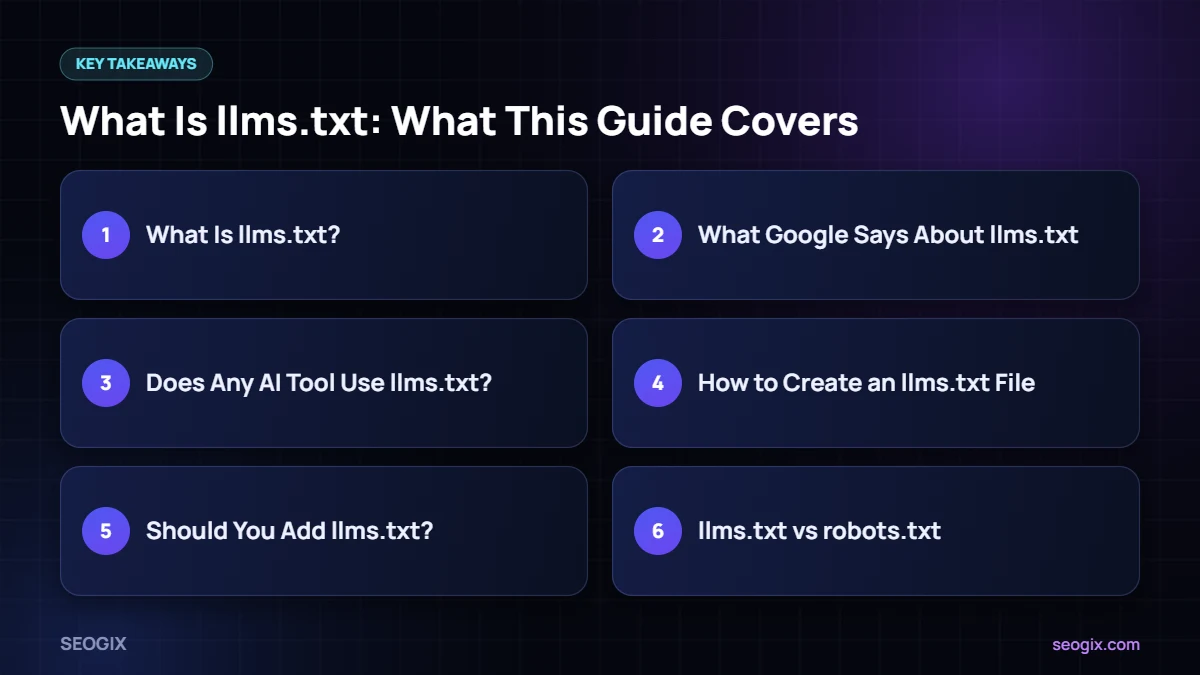
What Is llms.txt?
The llms.txt proposal, published at llmstxt.org, suggests a Markdown file at /llms.txt containing:
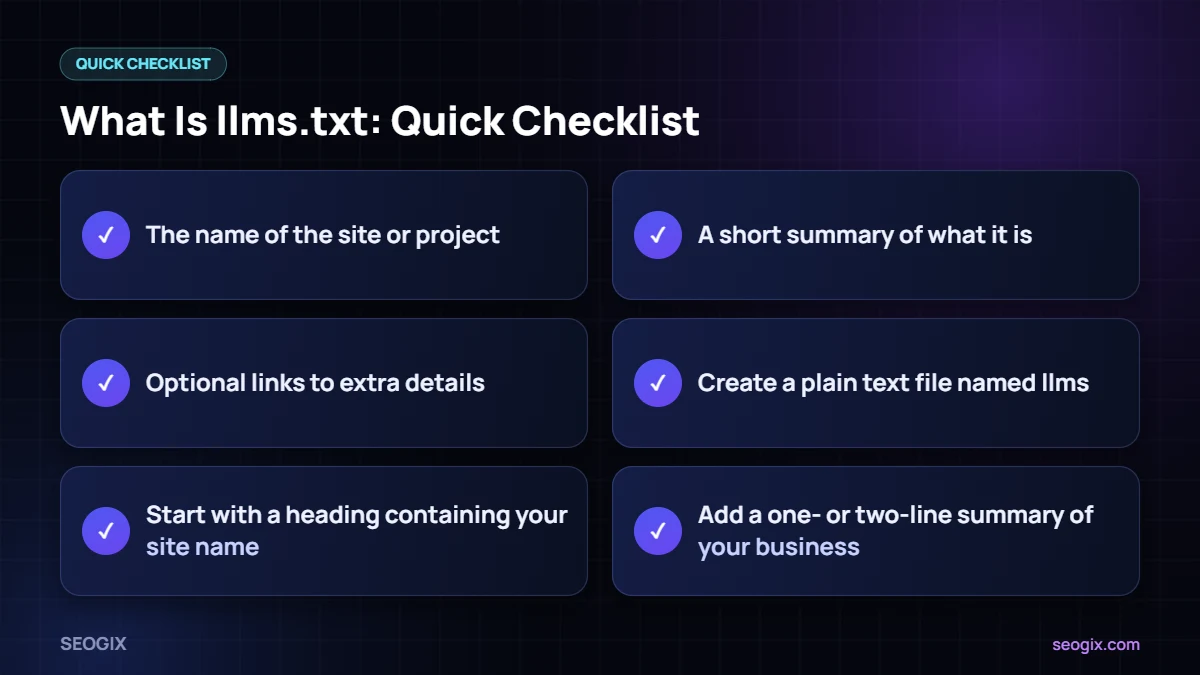
- The name of the site or project.
- A short summary of what it is.
- Sections with links to important pages, each with a brief description.
- Optional links to extra details.
It was designed mainly for documentation sites, so developers and AI coding tools can find the right pages quickly.
What Google Says About the file
Google’s documentation on AI features states that you do not need to create new machine-readable files, AI text files or special markup to appear in AI Overviews or AI Mode. Google representatives have also said publicly that llms.txt is not used for ranking in Search. Adding one will not hurt your site, but it is not a Google ranking factor.
Does Any AI Tool Use the file?
Some developer tools and documentation platforms support or generate llms.txt files, and some AI agents may read them. Support across major AI search products is inconsistent and not well documented. Treat the file as an optional extra, not a requirement.
How to Create an llms.txt File
- Create a plain text file named the file.
- Start with a heading containing your site name.
- Add a one- or two-line summary of your business.
- List your most important pages with short descriptions, grouped under headings.
- Upload it to your site root so it loads at yourdomain.com/llms.txt.
Some SEO plugins can generate an the file file automatically. Review it before publishing so it only lists pages you want highlighted.
Should You Add llms.txt?
Ask yourself whether your basics are done first:
- Can search engines crawl and index your important pages?
- Do your pages answer real questions clearly?
- Is your About page clear about who you are and what you do?
- Do you have a good reputation on trusted sites?
If yes, adding the file takes a few minutes and costs nothing. If not, your time is far better spent on the basics. Our technical SEO checklist is a good place to start.
llms.txt vs robots.txt
- robots.txt tells crawlers what they may or may not access. It is a long-established standard.
- the file is a proposed summary file that points AI tools to useful content. It does not control access.
If you want to control AI crawlers, use robots.txt rules for their user agents, not llms.txt.
What to Focus on Instead
For most small and medium businesses, the work that actually improves visibility in AI search is not new at all. It is the work of being clear, useful and trusted.
Make your key pages easy to understand
Each service page should explain in plain language what you offer, who it is for, how it works, how much it roughly costs and how to get started. Use descriptive headings and answer the questions customers ask on the phone. When a page answers those questions well, people and machines can both understand it.
Build a clear About page
State who runs the business, how long you have been operating, where you work and what makes you different. Add real names, photos and credentials. This helps visitors trust you and gives search systems a reliable description of your brand.
Earn trusted mentions
Reviews, directory listings, partner pages, interviews and articles on respected sites all shape how your brand is described across the web. These signals matter far more than any summary file.
Keep your technical foundations healthy
Fast pages, clean internal links, an accurate XML sitemap and no accidental blocks in robots.txt make sure your best content can be found at all. If a crawler cannot reach a page, no file can fix that.
Once these foundations are in place, adding an optional summary file is a small finishing touch rather than a strategy.
Frequently Asked Questions
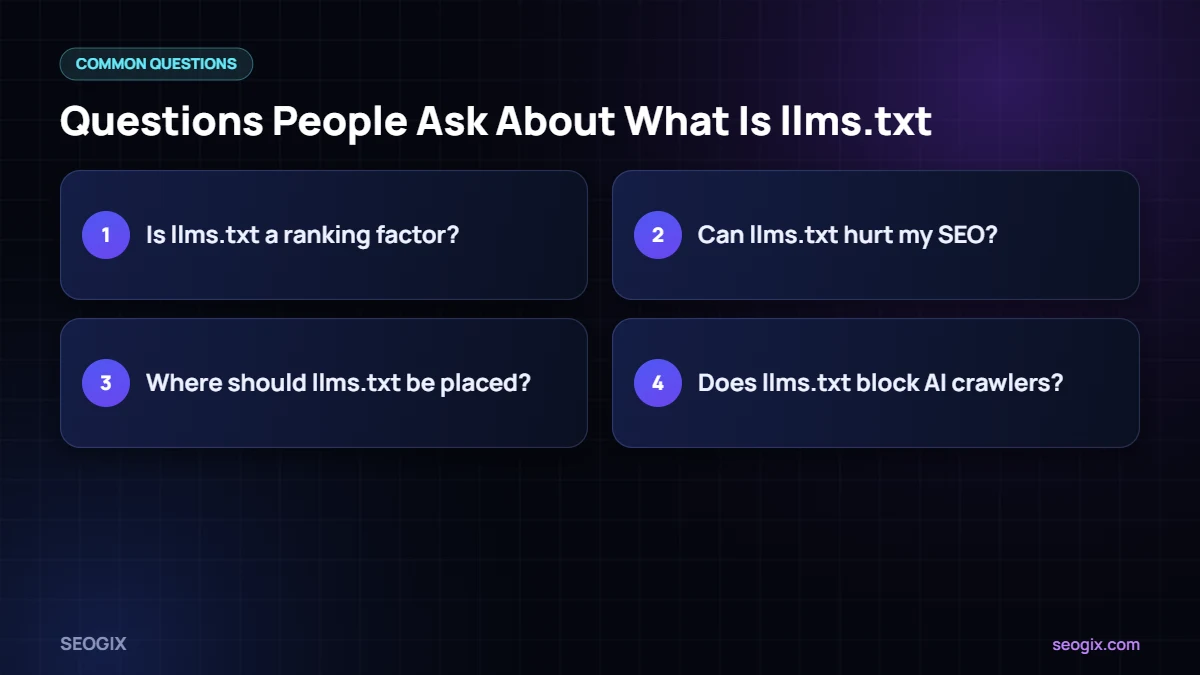
Is llms.txt a ranking factor?
No. Google says no special AI files are needed for its AI features, and the file is not used for ranking in Google Search.
Can llms.txt hurt my SEO?
There is no indication it harms rankings. Just make sure it only lists public pages you want people to see.
Where should the file be placed?
At the root of your domain, so it is available at yourdomain.com/llms.txt.
Does the file block AI crawlers?
No. To control crawler access, use robots.txt directives for specific user agents.