For local businesses, the Google Business Profile (GBP) is often the most important page you own — more people may see it in Google Search and Maps than visit your website. A complete, active profile helps you appear in the local “map pack” and turns searchers into calls, direction requests and website visits.
This Google Business Profile optimization guide covers, step by step, how to set up and improve your profile, based on how Google says local results are ranked.
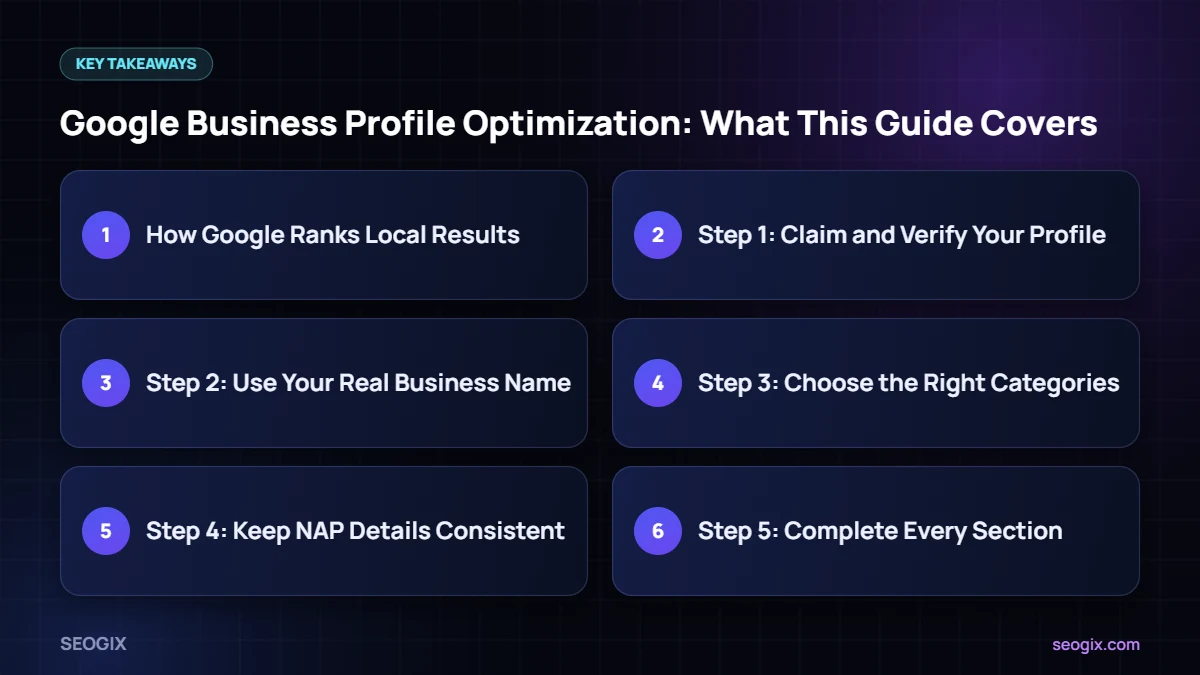
How Google Ranks Local Results
Google’s help centre says local results are based mainly on three factors: relevance (how well your profile matches the search), distance (how far you are from the searcher or the location in the search) and prominence (how well known your business is, including reviews, links and articles). You can read this in Google’s own guide on improving your local ranking.
You cannot change distance, but you can improve relevance and prominence — and that is what the steps below focus on.
Step 1: Claim and Verify Your Profile
Search for your business on Google or go to Google Business Profile Manager and claim it. Verification methods vary by business and can include a phone call, email, video or postcard. You cannot fully manage the profile or appear consistently until it is verified.
Step 2: Use Your Real Business Name
Enter your business name exactly as it appears on your signage, website and documents. Adding extra keywords or locations to the name is against Google’s guidelines for representing your business and can lead to suspension.
Step 3: Choose the Right Categories
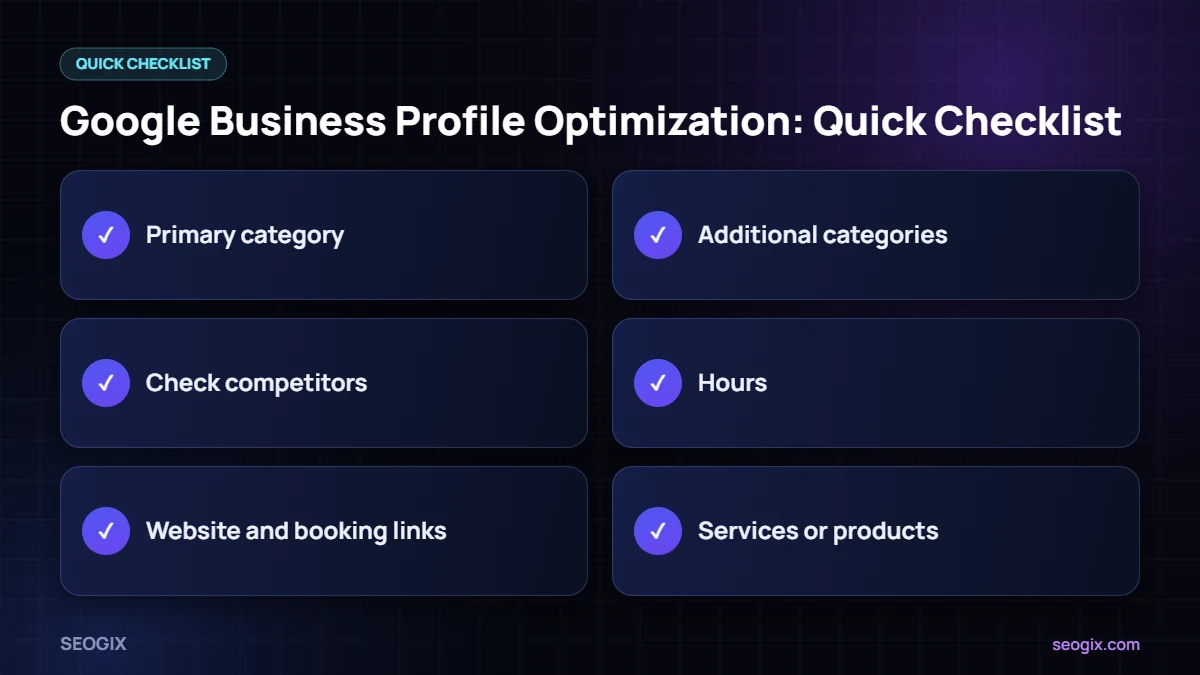
- Primary category: pick the one that best describes your main service, for example “Dentist” rather than “Health”.
- Additional categories: add only the ones that describe services you genuinely offer.
- Check competitors: look at the categories used by businesses ranking in the map pack for your main searches.
Step 4: Keep NAP Details Consistent
NAP means name, address and phone number. Make sure these match exactly on your profile, your website and major directories. If you are a service-area business without a customer-facing address, hide your address and set your service areas instead.
Step 5: Complete Every Section
- Hours: regular hours plus special hours for holidays.
- Website and booking links: link to the most relevant page, such as a location page.
- Services or products: list them with short, clear descriptions and prices where it makes sense.
- Business description: explain what you do, who you serve and what makes you different, in natural language.
- Attributes: add relevant options such as accessibility, payment methods or online appointments.
Step 6: Add Real Photos
Upload a logo, cover photo, exterior shots that help people find you, interior photos, your team and examples of your work. Real, recent photos build trust far better than stock images.
Step 7: Earn and Respond to Reviews
Reviews are part of prominence and strongly influence whether people choose you. Ask happy customers for reviews with a direct review link, reply to every review politely — including negative ones — and never buy reviews or offer rewards for positive ones, which breaks Google’s policies.
Step 8: Post Updates Regularly
Use posts for offers, events, news and new services. Regular activity shows customers the business is active and keeps your profile fresh.
Step 9: Support Your Profile With Your Website
- Create a dedicated location page with your NAP details, services and an embedded map.
- Add LocalBusiness schema markup with your name, address, phone and hours.
- Earn local backlinks from chambers of commerce, local news, partners and associations.
- List your business on trusted local and industry directories with consistent NAP.
These steps strengthen prominence, which helps your profile compete for the map pack.
Common Google Business Profile Mistakes
- Stuffing keywords or cities into the business name.
- Using a virtual office or PO box as an address.
- Choosing broad or unrelated categories.
- Leaving hours out of date, especially on holidays.
- Ignoring reviews or questions from customers.
- Creating duplicate profiles for the same location.
Get Help With Local SEO
If you want help optimising your profile, building local citations and earning local links, our local SEO service covers the full process. We also work with businesses in cities such as Karachi, Lahore and London.
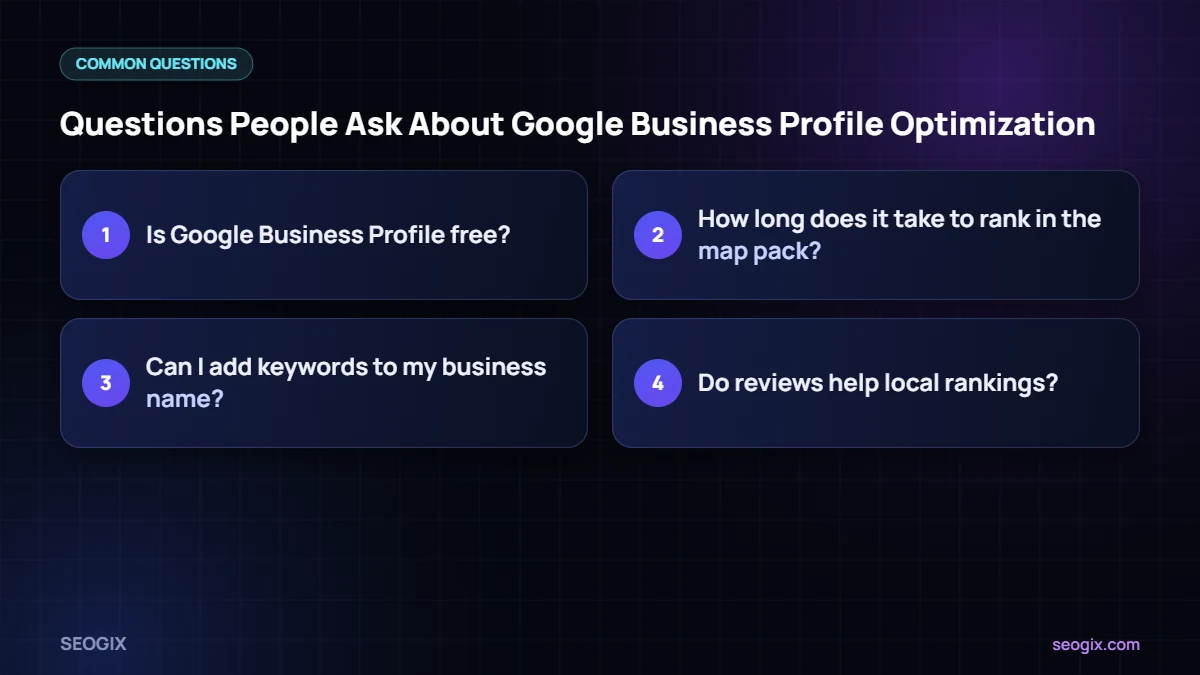
Frequently Asked Questions
Is Google Business Profile free?
Yes. Creating and managing a Google Business Profile is free.
How long does it take to rank in the map pack?
It depends on competition, your distance from searchers, and how complete and active your profile is. Some changes show within weeks; competitive markets usually take longer.
Can I add keywords to my business name?
No. Your business name should match your real-world name. Adding keywords or locations breaks Google’s guidelines and can get your profile suspended.
Do reviews help local rankings?
Google lists reviews as part of prominence, and they strongly affect whether people choose your business. Focus on earning genuine reviews and replying to them.
Do I need a website if I have a Google Business Profile?
A website is strongly recommended. It gives Google more information about your business, supports relevance and prominence, and gives customers a place to learn more and contact you.