When a business grows from one branch to five or fifty, local SEO gets more complicated. Each location needs to rank in its own area, while the brand stays consistent. Multi-location SEO is the system that makes this possible without creating duplicate content or confusing Google.
Here is a complete multi-location SEO strategy in nine practical steps.
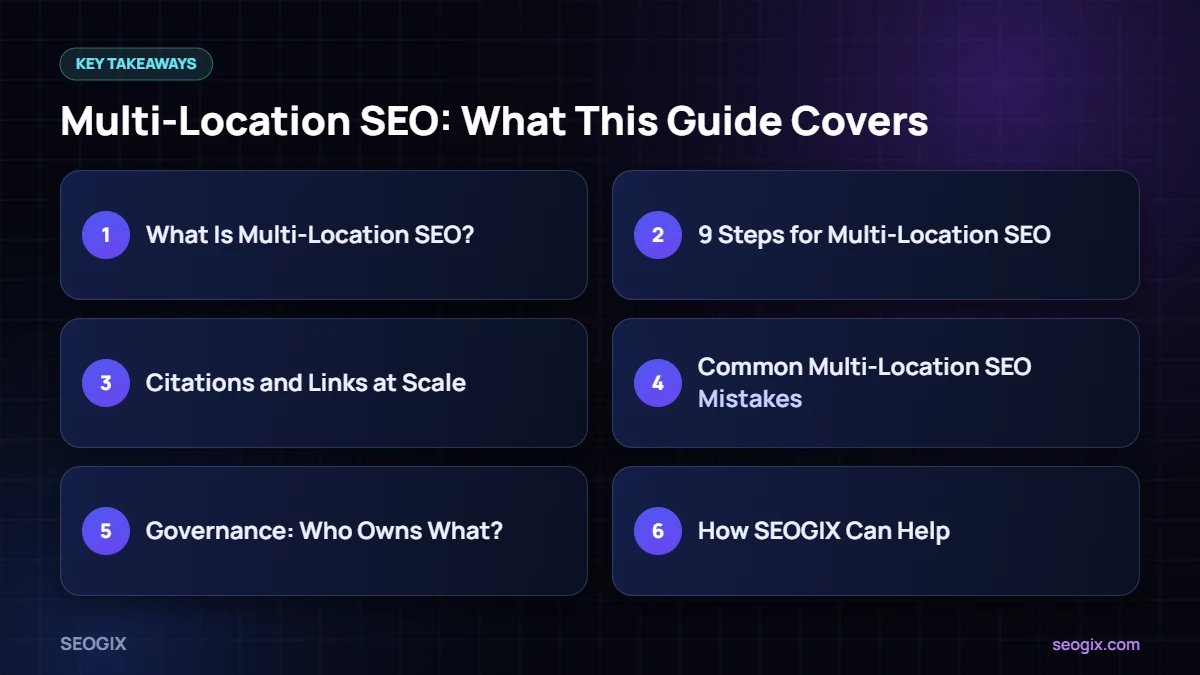
What Is Multi-Location SEO?
Multi-location SEO is local SEO done at scale. Instead of one Google Business Profile and one contact page, you manage a profile, a location page, citations, reviews and reporting for every branch. Done well, each branch can appear in its own local map pack while the main website builds authority for the whole brand.
9 Steps for Multi-Location SEO
1. Verify a profile for every real location
Each staffed branch that customers can visit or contact should have its own verified Google Business Profile. Google offers bulk verification for businesses with ten or more locations. Do not create profiles for places where you have no real presence.
2. Keep names consistent
Use the same brand name across all profiles. Google’s guidelines allow descriptors only in limited cases, so avoid adding keywords or long location names to the business name.
3. Give every branch a unique phone number
A local phone number for each branch helps customers and keeps NAP details clear. Avoid sending every listing to one central number.
4. Build a location page for each branch
Every profile should link to its own page on your website, not the homepage. A strong location page includes the address, map, hours, phone, team, services offered at that branch, parking or access details, local photos, reviews and FAQs.
5. Make location pages unique
This is where many multi-location SEO projects fail. Templates are fine for structure, but each page needs genuinely local content: staff names, nearby landmarks, local case studies and services that differ by branch.
6. Create a clear site structure
A simple structure like /locations/ → /locations/lahore/ → /locations/lahore/gulberg/ helps users and search engines understand your network. Link to every location from a store locator or locations hub page.
7. Add structured data
Use LocalBusiness schema on each location page with that branch’s name, address, phone, hours and geo-coordinates. Make sure it matches the visible content.
8. Manage reviews per location
Ask for reviews for the specific branch the customer visited, reply consistently across all profiles, and give branch managers simple templates and guidelines.
9. Report by location
Track calls, direction requests, website clicks and rankings for each branch separately. This shows which locations need more work and stops strong branches from hiding weak ones.
Citations and Links at Scale
For many branches, listing management tools save time when you need to update hours or phone numbers across directories. Local links still matter: sponsorships, local partnerships and community involvement at branch level make each location more prominent in its own area.
Common Multi-Location SEO Mistakes
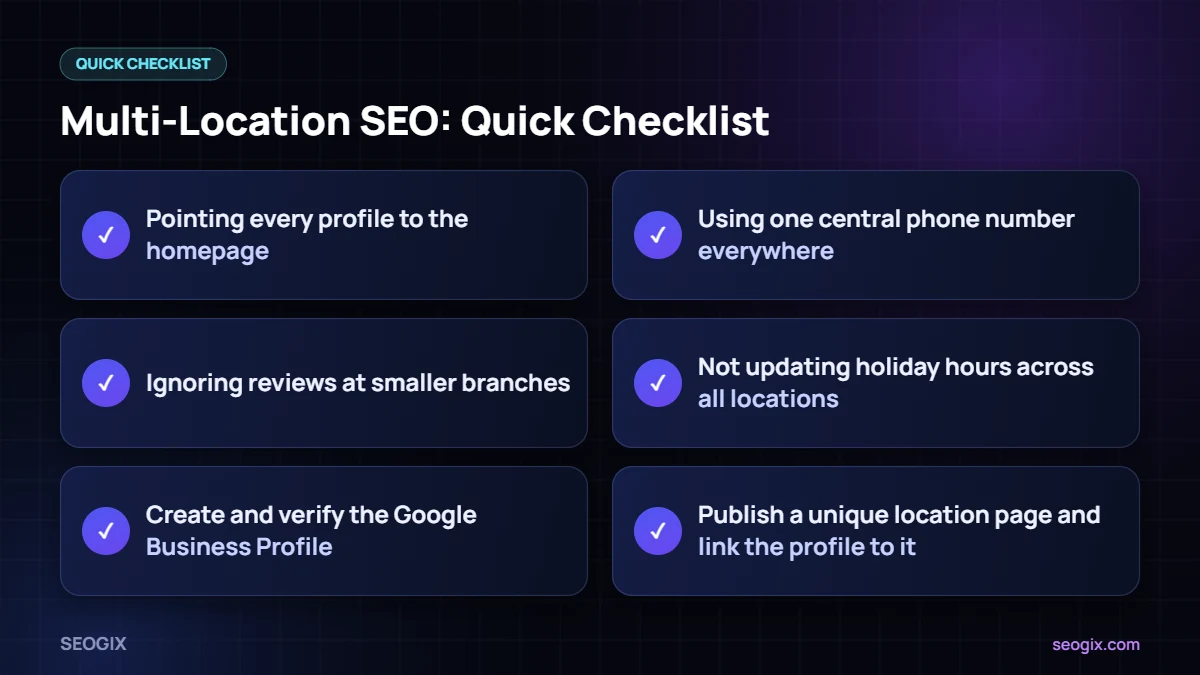
- Pointing every profile to the homepage.
- Copying the same location page text with only the city changed.
- Using one central phone number everywhere.
- Letting branch managers create duplicate or unofficial listings.
- Ignoring reviews at smaller branches.
- Not updating holiday hours across all locations.
Governance: Who Owns What?
Large businesses need clear ownership. Head office usually controls brand details, categories and website structure, while branch teams handle photos, posts, review replies and local partnerships. A shared checklist and a monthly review keep multi-location SEO consistent as the business grows.
How SEOGIX Can Help
Our local SEO service supports single and multi-branch businesses with profile setup, location pages, citations and reporting. Start with our local SEO checklist to audit one branch, then roll the same process out to the rest.
Multi-Location SEO Checklist for Each New Branch
- Create and verify the Google Business Profile.
- Add the branch phone number, hours, categories, photos and services.
- Publish a unique location page and link the profile to it.
- Add LocalBusiness schema to the page.
- List the branch on core directories with consistent details.
- Brief the branch manager on reviews, posts and photos.
- Add the branch to your reporting dashboard.
Using the same checklist for every opening keeps your multi-location SEO consistent and makes sure no branch is forgotten.
Frequently Asked Questions
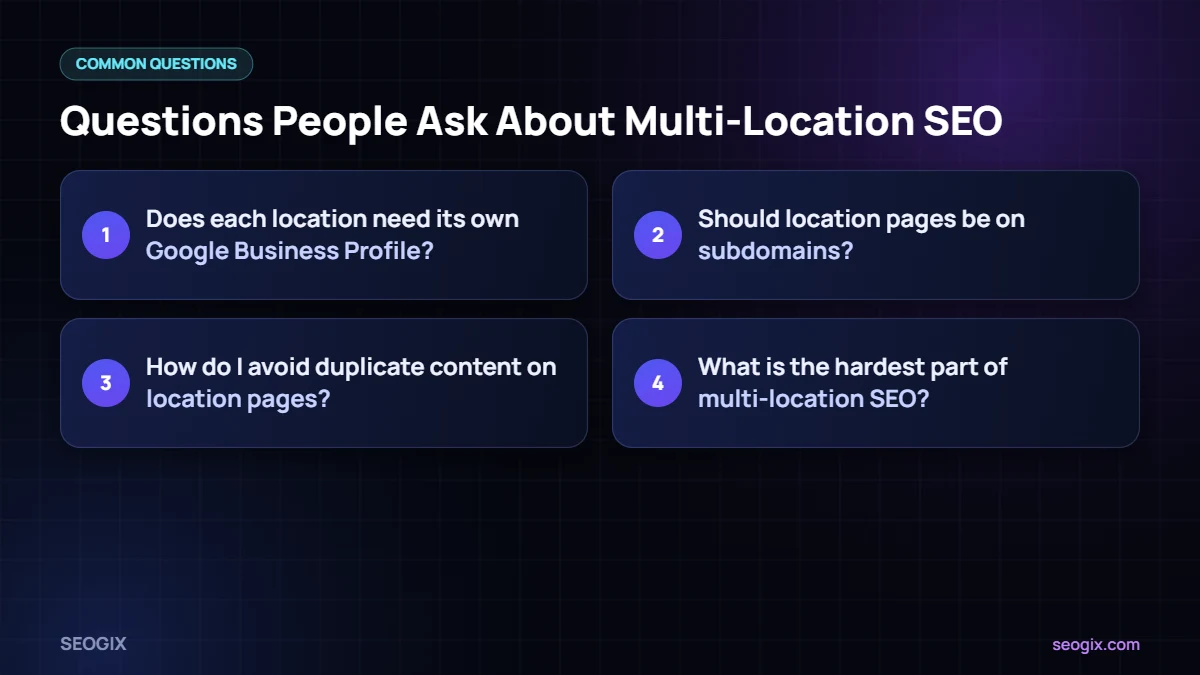
Does each location need its own Google Business Profile?
Yes, each real, staffed location that serves customers should have its own verified profile with accurate details.
Should location pages be on subdomains?
Usually no. Subfolders like /locations/city/ on your main domain keep authority in one place and are easier to manage.
How do I avoid duplicate content on location pages?
Use a shared template for structure, but write unique content for each branch: local team, services, directions, photos, reviews and FAQs.
What is the hardest part of multi-location SEO?
Keeping information consistent and up to date across many profiles, pages and directories. Clear ownership and regular audits solve most problems.