Small business owners wear many hats: marketing, sales, customer service, admin and the actual work. AI tools for small business can take some of the repetitive tasks off your plate so you can spend more time on customers and growth.
This guide covers ten smart, practical ways to use AI tools for small business, how to choose the right ones and the risks to watch.
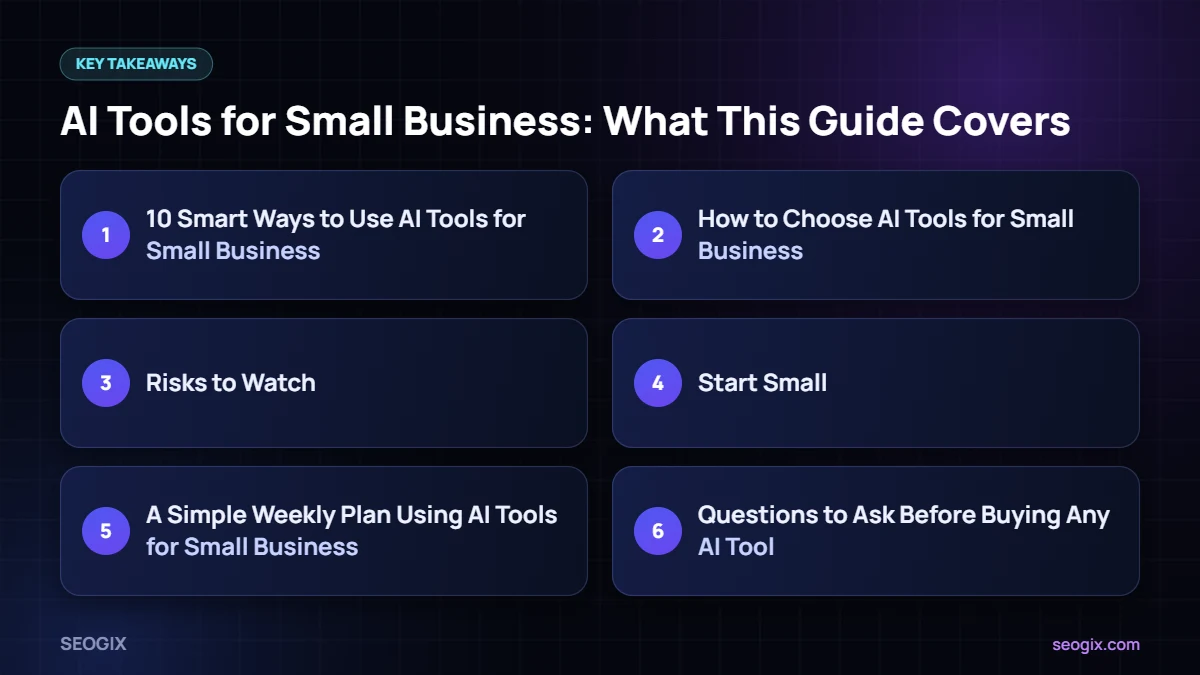
10 Smart Ways to Use AI Tools for Small Business
1. Write and reply to emails faster
AI assistants built into email apps can draft replies, summarise long threads and suggest polite wording for difficult messages.
2. Create marketing content
Draft social posts, newsletters and product descriptions, then edit them to match your voice. Our guide to prompt engineering for marketers shows how to get better drafts.
3. Answer common customer questions
A website chatbot can answer questions about hours, prices and services, and hand complex queries to you.
4. Summarise meetings and calls
Meeting tools can create notes and action points automatically, so nothing gets forgotten.
5. Organise finances and documents
Accounting software increasingly uses AI to categorise expenses and read receipts. Always review the results.
6. Plan your week
Ask an assistant to turn a messy to-do list into a prioritised plan.
7. Research competitors
Summarise competitor websites, offers and reviews to find gaps in your own services.
8. Improve your website content
Use AI to suggest clearer headings, FAQs and service descriptions, then check accuracy. A clear site helps both customers and search engines.
9. Translate and localise
Reach customers in other languages faster, with a native speaker checking important text.
10. Create simple visuals
Generate social graphics, banner ideas or mock-ups. Check licences and avoid misleading images.
How to Choose AI Tools for Small Business
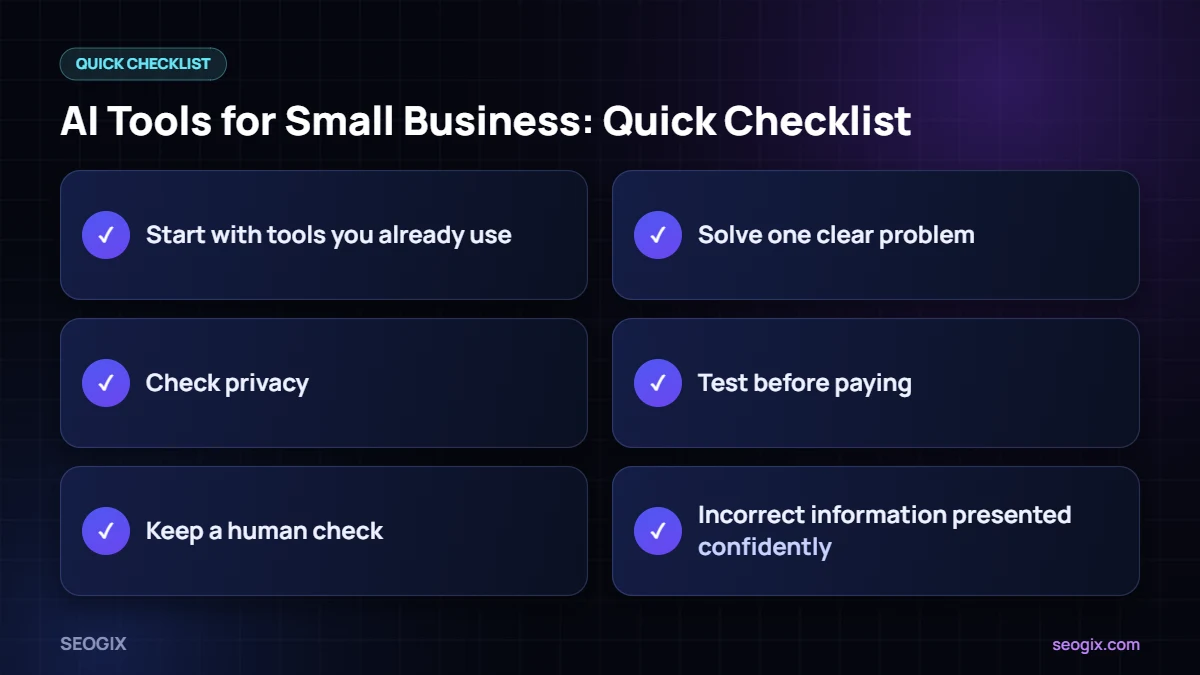
- Start with tools you already use: many email, office and design apps now include AI features.
- Solve one clear problem: choose tools for a specific task, not because they are popular.
- Check privacy: read how the tool stores and uses your data before uploading customer information.
- Test before paying: use free trials and measure time saved.
- Keep a human check: decide who reviews output before it reaches customers.
Risks to Watch
- Incorrect information presented confidently.
- Generic content that weakens your brand.
- Sharing sensitive data with tools that are not secure.
- Over-automation that makes customers feel ignored.
Google also advises reviewing and fact-checking AI-generated content before publishing in its generative AI guidance.
Start Small
Pick one task that takes too much time each week and test one tool for it. Once it works, add the next. For marketing help, explore our content writing and local SEO services, or try our free SEO tools.
A Simple Weekly Plan Using AI Tools for Small Business
- Monday: use an assistant to plan the week and draft social posts.
- Tuesday: summarise customer emails and draft replies to common questions.
- Wednesday: update one website page with clearer FAQs.
- Thursday: review chatbot conversations and improve its answers.
- Friday: ask AI to summarise the week’s sales and marketing results in plain language.
Spending just a few minutes a day this way can free several hours each week. The best AI tools for small business are the ones that quietly remove busywork while you stay in control of quality and customer relationships.
Questions to Ask Before Buying Any AI Tool
- What exact task will it save time on?
- Who will check the output?
- Where is my data stored, and is it used for training?
- Can I export my data if I stop using it?
- What will it cost once the free trial ends?
Frequently Asked Questions
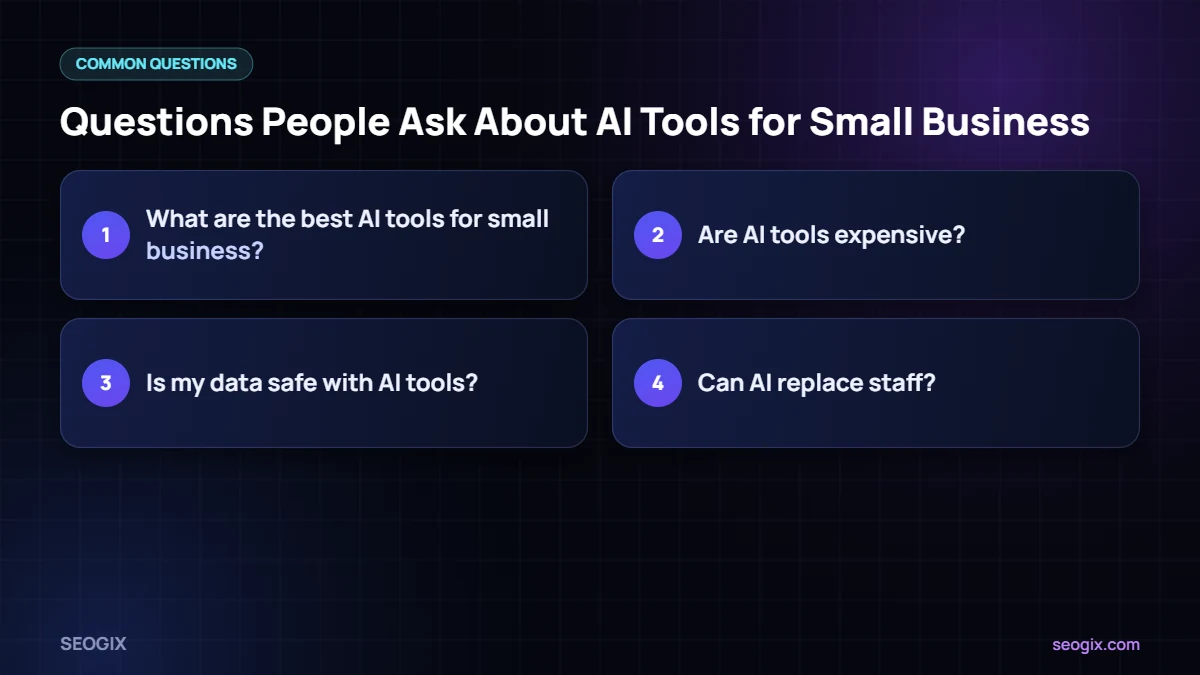
What are the best AI tools for small business?
The best tools depend on your tasks. General assistants, AI features in email and office apps, chatbots and accounting tools are common starting points.
Are AI tools expensive?
Many have free plans or are included in software you already pay for. Paid plans make sense when they clearly save time.
Is my data safe with AI tools?
It depends on the tool. Check its privacy policy and settings, and avoid uploading sensitive customer data to tools you do not trust.
Can AI replace staff?
AI can handle repetitive tasks, but customer relationships, judgement and quality control still need people.