Local business schema is structured data that describes your business to search engines in a format they can read easily: your name, address, phone number, opening hours, location and more. It does not replace your Google Business Profile, but it helps Google understand and confirm the details on your website.
This simple guide explains what local business schema is, which properties to use, and gives you a copy-ready example.
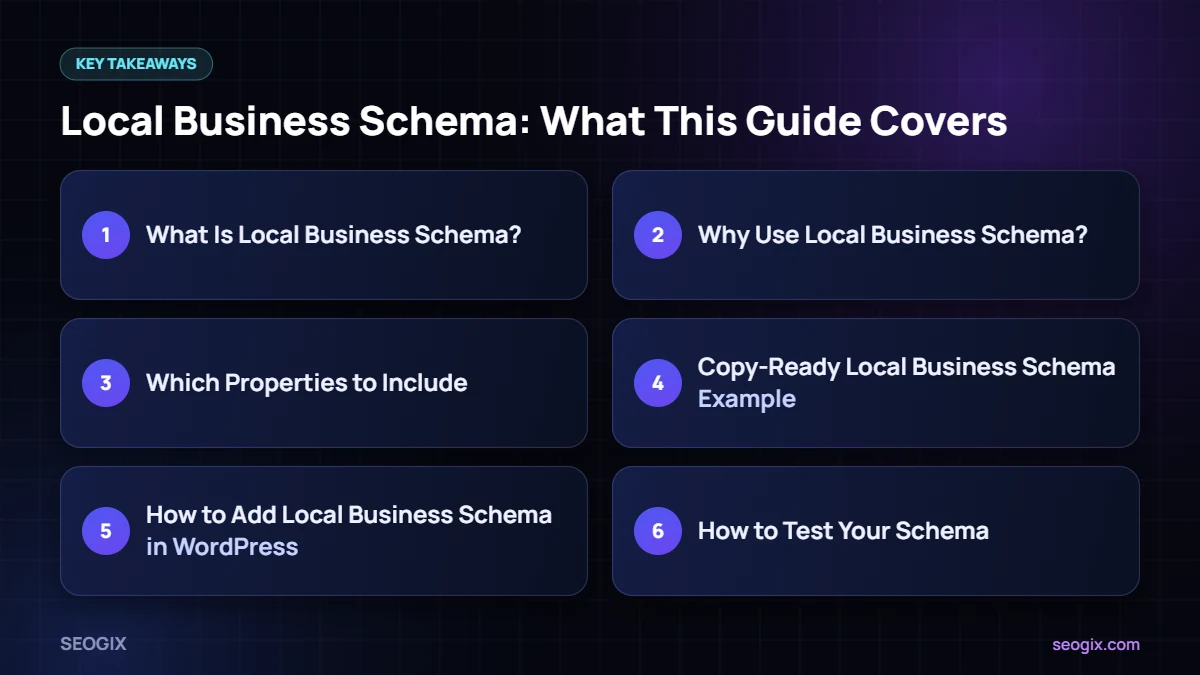
What Is Local Business Schema?
Schema markup is a shared vocabulary from schema.org that search engines understand. LocalBusiness is the type used for businesses with a physical location or service area. There are more specific subtypes, such as Dentist, Restaurant, LegalService, AutoRepair and many others.
Google recommends adding structured data in JSON-LD format, which sits in a script tag and does not change how your page looks.
Why Use Local Business Schema?
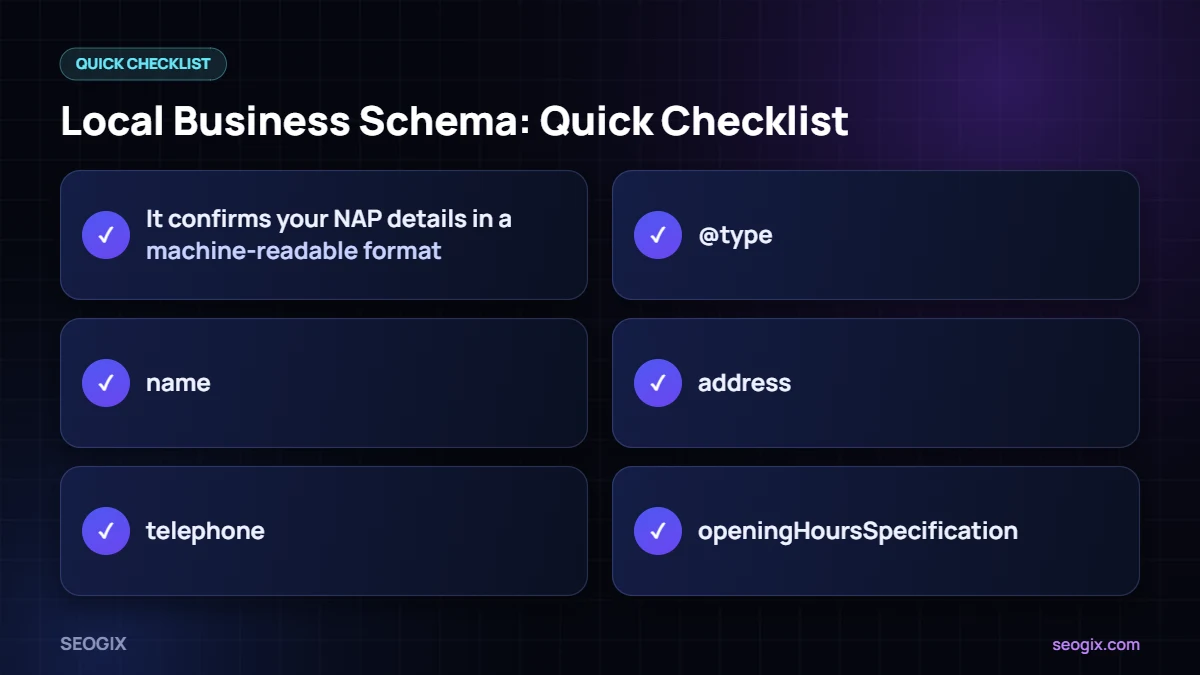
- It confirms your NAP details in a machine-readable format.
- It helps Google understand opening hours, location and business type.
- It can support how your business information appears in search features.
- It keeps your website consistent with your Google Business Profile.
Structured data does not guarantee a ranking boost or a special search feature, but it removes guesswork about your business details.
Which Properties to Include
Google’s local business structured data guide lists the properties it supports. The most useful are:
- @type: the most specific business type that fits you.
- name: your real business name.
- address: street, city, region, postal code and country.
- telephone: your main local number.
- url: the page URL.
- openingHoursSpecification: days and times you are open.
- geo: latitude and longitude.
- image and logo: photos of your business.
- priceRange: a simple indicator of price level.
Copy-Ready Local Business Schema Example
Replace the details with your own and add it to your contact or location page:
<script type="application/ld+json">
{
  "@context": "https://schema.org",
  "@type": "LocalBusiness",
  "name": "Your Business Name",
  "image": "https://example.com/photo.jpg",
  "url": "https://example.com/contact/",
  "telephone": "+92-42-0000000",
  "priceRange": "$$",
  "address": {
    "@type": "PostalAddress",
    "streetAddress": "14 Park Road",
    "addressLocality": "Lahore",
    "postalCode": "54000",
    "addressCountry": "PK"
  },
  "geo": {"@type": "GeoCoordinates", "latitude": 31.5204, "longitude": 74.3587},
  "openingHoursSpecification": [{
    "@type": "OpeningHoursSpecification",
    "dayOfWeek": ["Monday","Tuesday","Wednesday","Thursday","Friday"],
    "opens": "09:00",
    "closes": "18:00"
  }]
}
</script>
How to Add Local Business Schema in WordPress
- Use the local SEO settings in an SEO plugin such as Rank Math or Yoast.
- Use a schema plugin that supports LocalBusiness.
- Add the JSON-LD manually with a code snippets plugin on the relevant page.
For multiple branches, add separate local business schema on each location page with that branch’s details.
How to Test Your Schema
- Paste your URL into Google’s Rich Results Test.
- Check for errors and warnings.
- Use the Schema Markup Validator for general schema.org validation.
- Monitor the Enhancements reports in Google Search Console.
Common Local Business Schema Mistakes
- Details in schema that do not match the visible page.
- Using a generic type when a more specific one fits.
- Adding fake reviews or ratings in markup.
- Copying the same schema onto every page of the site.
- Forgetting to update hours after changes.
Need Help?
Our technical SEO service adds and tests structured data, and our local SEO team makes sure your schema matches your profile and citations.
Local Business Schema for Multiple Branches
If your business has several locations, each branch should have its own location page with its own local business schema. Use the same organisation name but each branch’s own address, phone number, opening hours and coordinates. Link each schema block to the main organisation using the parentOrganization or branchOf properties where your plugin supports them, so search engines understand that the branches belong to one brand.
Keeping Schema in Sync With Your Profile
Your local business schema, website contact details and Google Business Profile should always match. Whenever you change hours, move address or update your phone number, update all three on the same day. A simple way to stay organised is to keep one master record of your details in a shared document and treat it as the source of truth.
Example Checklist Before Publishing
- Type matches your business (for example Dentist or AutoRepair).
- Name, address and phone match the visible page exactly.
- Opening hours are correct, including weekends.
- Coordinates point to the right building.
- Logo and image URLs load correctly.
- The Rich Results Test shows no errors.
Running through this checklist takes a few minutes and avoids the most common problems we see when auditing structured data on local business websites.
Frequently Asked Questions
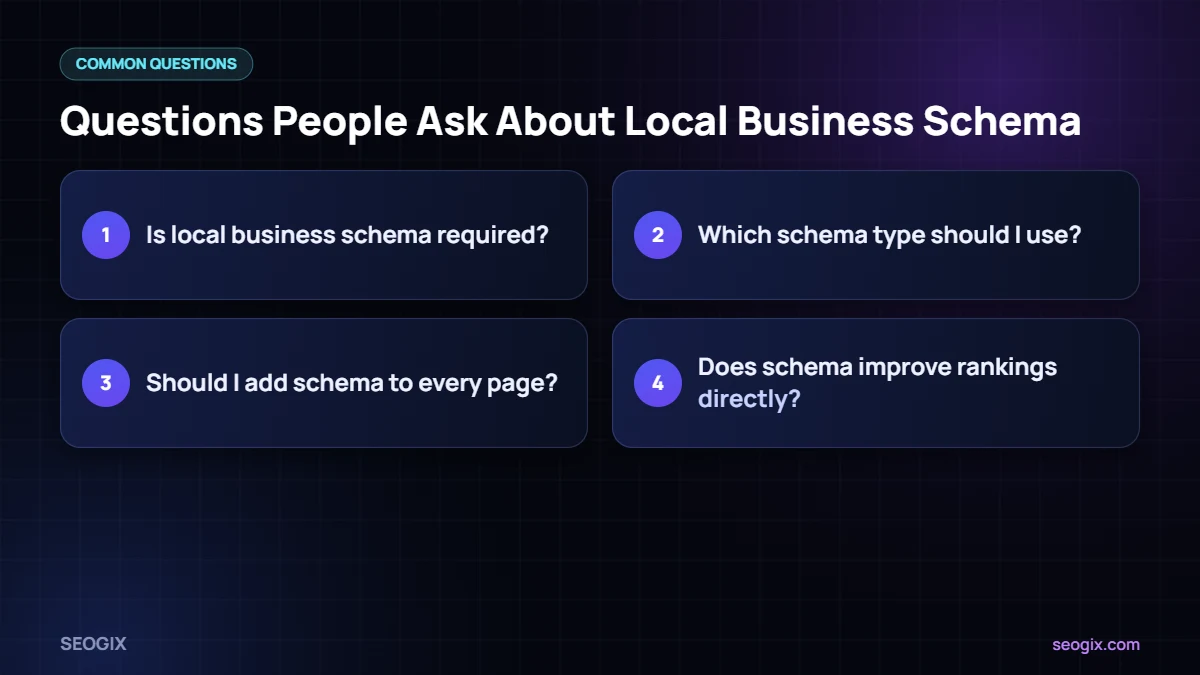
Is local business schema required?
No, but it helps search engines read your business details accurately and keeps your website consistent with your profile.
Which schema type should I use?
Use the most specific type that matches your business, such as Dentist or Restaurant, which are subtypes of LocalBusiness.
Should I add schema to every page?
Add LocalBusiness schema to the main contact or location page for each branch, not to every page of the site.
Does schema improve rankings directly?
Schema mainly helps understanding and eligibility for some search features. It is not a direct ranking boost on its own.