Location pages are pages on your website dedicated to a specific branch, city or service area. Done well, they help you rank for searches like “accountant in Islamabad” and give visitors everything they need to contact or visit you. Done badly, they become a pile of near-identical pages that Google ignores.
This guide shows what great location pages include and eight steps to build them.
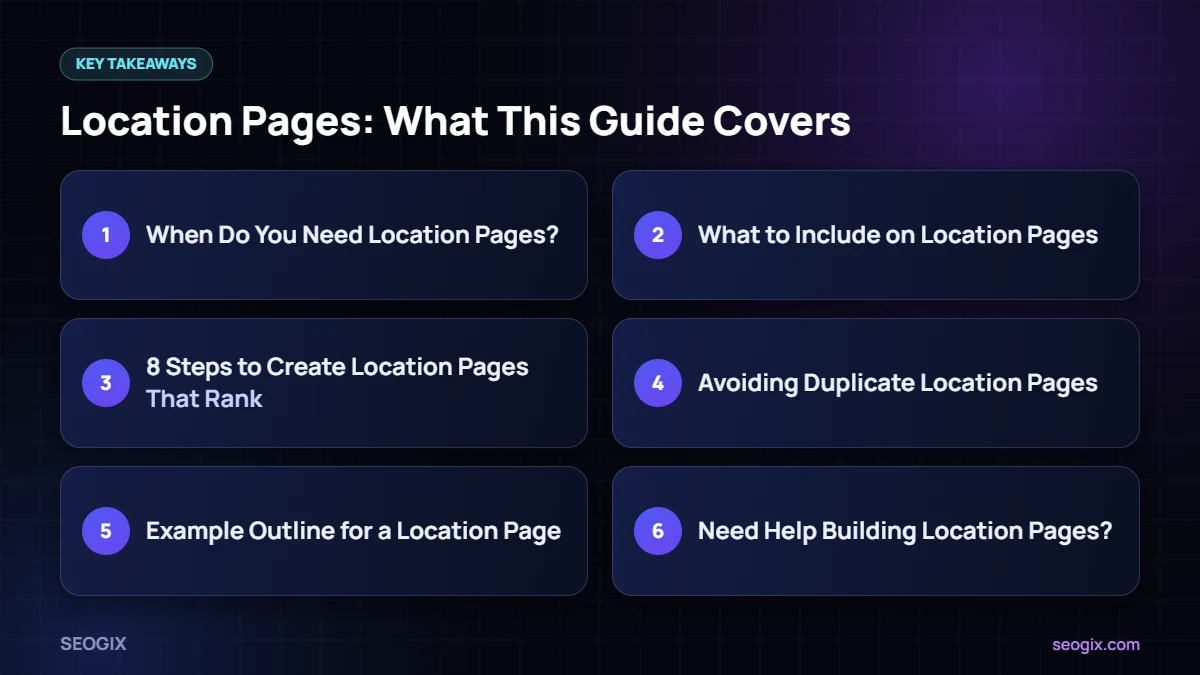
When Do You Need Location Pages?
- You have more than one physical branch.
- You serve several distinct cities or areas and can show real work there.
- Each area has meaningful differences: services, team, prices, regulations or travel times.
If you have one shop and serve only your own town, a strong contact page and service pages may be enough.
What to Include on Location Pages
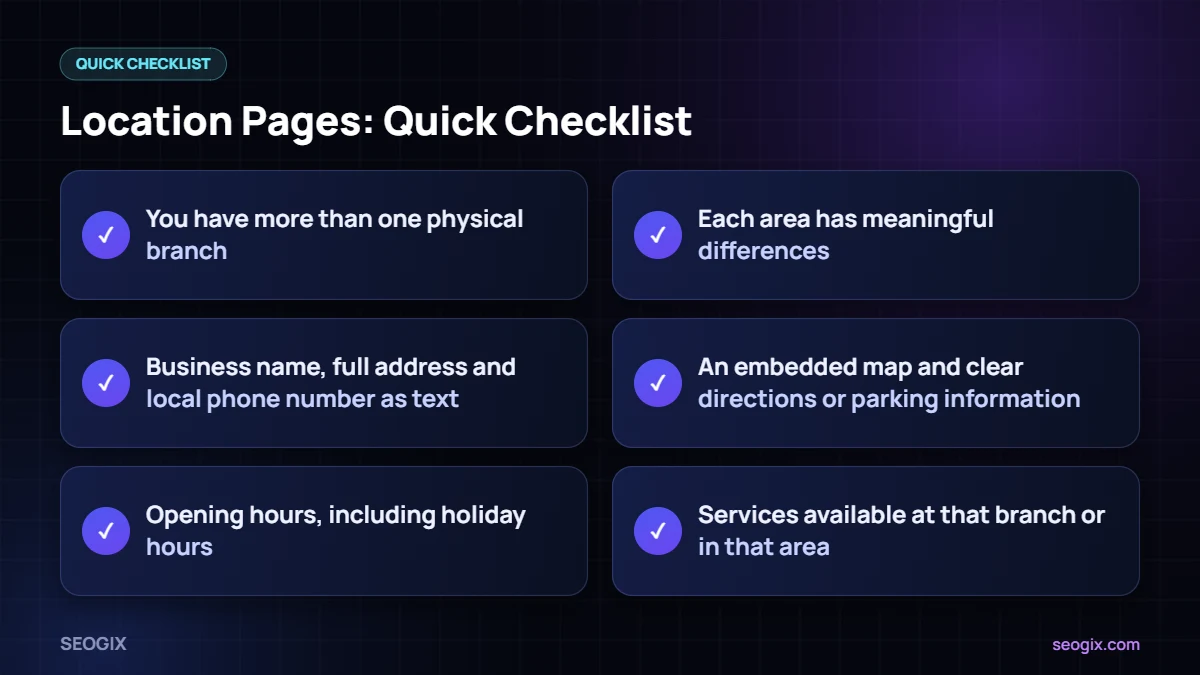
- Business name, full address and local phone number as text.
- An embedded map and clear directions or parking information.
- Opening hours, including holiday hours.
- Services available at that branch or in that area.
- Photos of the location, team and local work.
- Reviews or testimonials from local customers.
- A short local case study or examples of projects in that area.
- FAQs specific to that location.
- A clear call to action: call, book, get a quote or visit.
8 Steps to Create Location Pages That Rank
1. Plan your structure
Use a simple URL pattern such as /locations/karachi/ and link all location pages from a central locations hub.
2. Target one main keyword per page
Usually “service + city” or “brand + city”. Use it in the title tag, H1 and first paragraph.
3. Write unique content
Google’s spam policies warn against doorway pages — many similar pages created only to rank for slightly different place names. Make every page genuinely useful with local details.
4. Add proof
Real photos, local reviews and case studies make location pages credible and different from each other.
5. Add LocalBusiness schema
Mark up the name, address, phone, hours and coordinates for each branch so the data matches the page.
6. Link from your Google Business Profile
Each branch profile should link to its own location page rather than the homepage.
7. Link internally
Link from relevant service pages and blog posts to location pages, and from location pages back to services.
8. Keep them updated
Update hours, staff and photos regularly. Outdated location pages hurt trust.
Avoiding Duplicate Location Pages
The biggest mistake is creating dozens of pages where only the city name changes. Instead, start with locations where you have a real presence, add pages slowly, and only publish a page when you have something unique to say about that place. Fewer, better location pages usually outperform many thin ones.
Example Outline for a Location Page
- H1: Dental Clinic in Gulberg, Lahore
- Intro with services and what makes this branch different
- Address, map, hours and contact buttons
- Services offered at this branch
- Meet the team
- Patient reviews
- Directions and parking
- FAQs about this branch
Need Help Building Location Pages?
Our local SEO service plans and writes location pages that rank and convert. For the wider picture, follow our local SEO checklist.
Writing Tips for Branch and City Pages
Writing a dozen pages for different branches can feel repetitive, so start each one by talking to the people who work there. Ask what customers usually ask on the phone, which landmarks people use to find the office, where they park, which services are most popular in that area and what makes the team different. Those answers turn into headings, FAQs and short paragraphs that no other page on your site can copy.
Photos are just as important. Take a few pictures of the entrance from the street, the reception area and the team at work. Name the image files clearly and write descriptive alt text. Add a short testimonial from a nearby customer and, where it fits, a brief example of a recent job in the area. These details make each page feel real to visitors and show search engines that the page serves a distinct purpose.
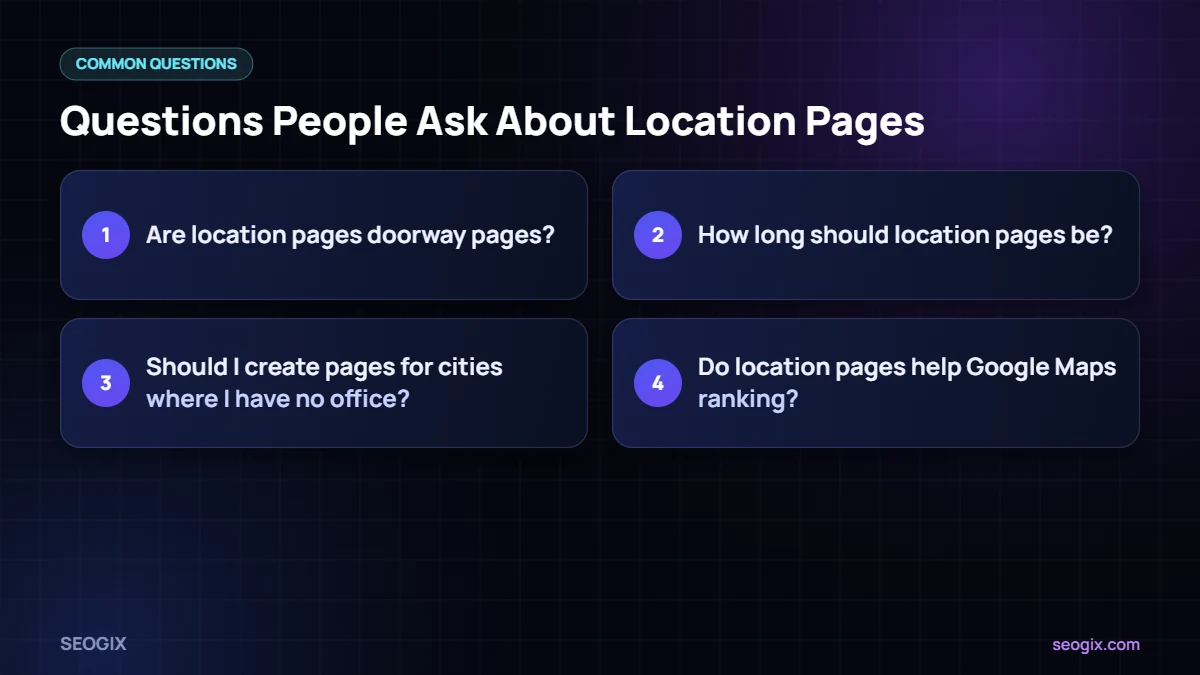
Frequently Asked Questions
Are location pages doorway pages?
Not if they are genuinely useful and unique. They become doorway pages when they are near-duplicates created only to rank for different place names.
How long should location pages be?
Long enough to answer local visitors’ questions. Most strong location pages include several hundred words of unique content plus contact details, photos and reviews.
Should I create pages for cities where I have no office?
Only if you genuinely serve customers there and can add real, unique information about your work in that area.
Do location pages help Google Maps ranking?
They support your profile by giving Google more relevant information and a strong landing page for your branch.