Plumbers, electricians, cleaners, mobile mechanics, tutors and many other businesses travel to their customers instead of welcoming them at a shop. These are called service-area businesses. Service area business SEO is a little different from normal local SEO, because you cannot rely on a public address to show Google where you work.
This guide explains how service area business SEO works and eight smart ways to rank in the areas you actually serve.
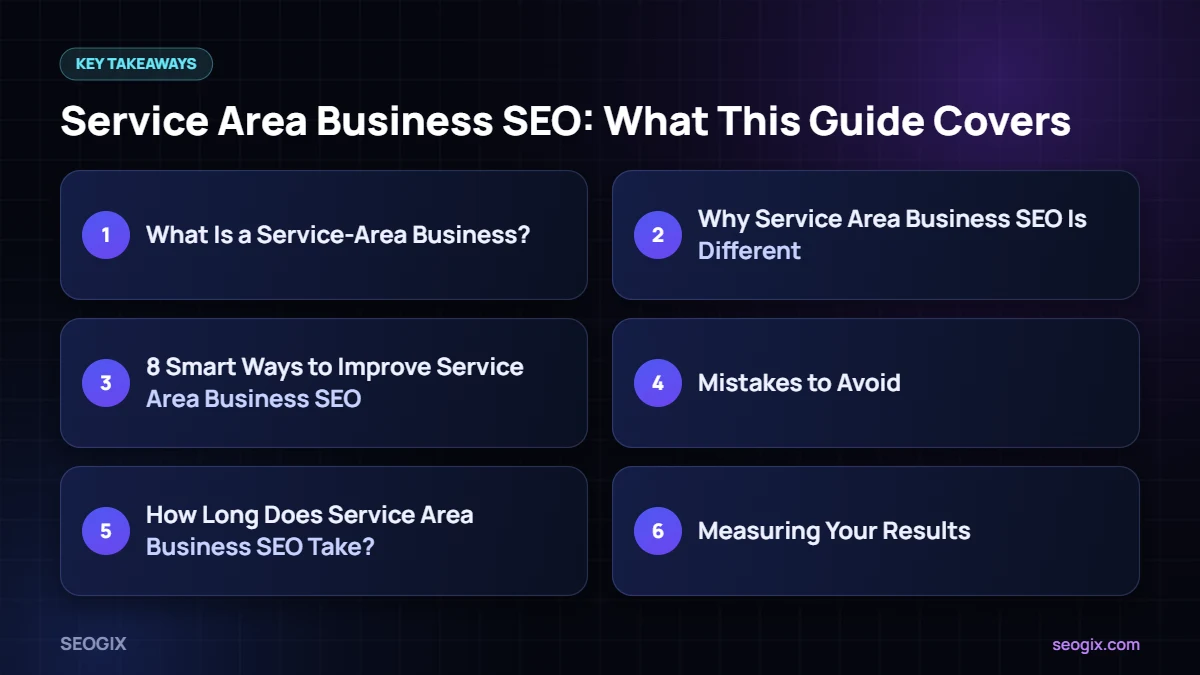
What Is a Service-Area Business?
Google defines a service-area business as one that visits or delivers to customers at their location. If customers do not come to your address, Google asks you to hide it and set service areas instead. Some businesses are hybrids — for example, a garage that has a workshop but also offers mobile repairs — and can show an address and service areas together.
You can read the official rules in Google’s guidance for service-area businesses.
Why Service Area Business SEO Is Different
- Your profile is still linked to a verified address, even when it is hidden, so ranking is usually strongest near that base.
- You cannot create a separate Google Business Profile for every town you serve unless you have real staffed premises there.
- Your website has to do more work to prove relevance for each area.
- Reviews and local links that mention the areas you serve become more important.
8 Smart Ways to Improve Service Area Business SEO
1. Set up your profile correctly
Verify your business, hide your address if customers do not visit, and add the cities or postcodes you genuinely serve. Google recommends keeping service areas within a reasonable travel distance from your base.
2. Choose precise categories
Pick the category that best describes your main service, such as “Electrician” or “House cleaning service”, then add relevant secondary categories.
3. Build strong service pages
Create one detailed page per main service. Explain the problem you solve, your process, pricing approach, guarantees and FAQs. These pages are the backbone of service area business SEO.
4. Add area pages that are genuinely useful
If you serve several towns, create pages only where you can add real value: jobs completed there, local photos, response times, local regulations or common issues in that area. Avoid copying one page and swapping the city name.
5. Show proof of local work
Publish short case studies with before-and-after photos, the area (not the customer’s exact address) and what you did. This gives Google and customers clear evidence that you work in those places.
6. Ask for reviews that mention the job
Customers often naturally mention the service and area. You can gently ask them to describe the work you did, which helps future customers and adds relevant context.
7. Build local citations and links
List your business on trusted directories with consistent details and look for local links from suppliers, trade associations and community sites. Our guide to Google Business Profile optimisation covers how this supports your profile.
8. Post updates regularly
Use Google Business Profile posts to share recent jobs, seasonal tips and offers. Regular activity keeps your profile fresh and useful.
Mistakes to Avoid
- Showing a home address that customers are not meant to visit.
- Using virtual offices or mailbox addresses to fake a presence in another city.
- Setting service areas far beyond where you can realistically travel.
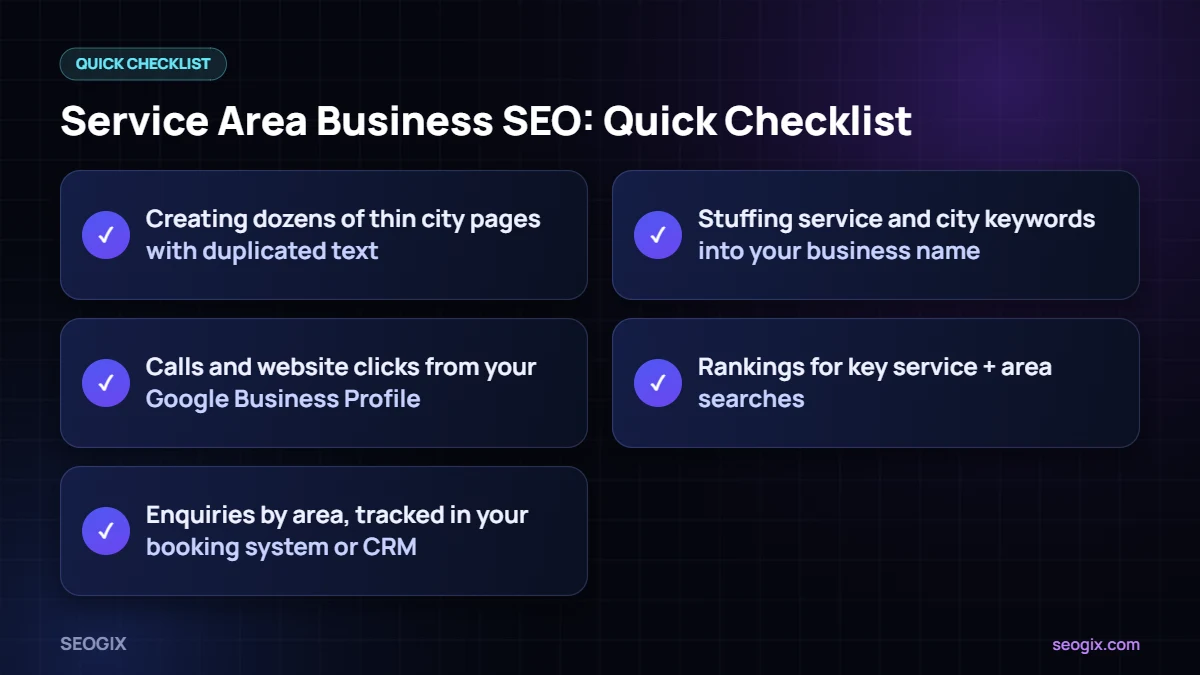
- Creating dozens of thin city pages with duplicated text.
- Stuffing service and city keywords into your business name.
How Long Does Service Area Business SEO Take?
Most businesses see early improvements in a few weeks after fixing their profile, but ranking in neighbouring towns usually takes several months of consistent reviews, content and local links. The further an area is from your verified base, the harder it is to rank in the map pack there — but your website can still rank in normal organic results with strong, genuinely local pages.
Measuring Your Results
- Calls and website clicks from your Google Business Profile.
- Organic traffic to each service and area page in Google Search Console.
- Rankings for key service + area searches.
- Enquiries by area, tracked in your booking system or CRM.
Get Expert Help
Service area business SEO takes a mix of profile work, content and links. Our local SEO service handles all three, and our local SEO checklist gives you a simple plan if you prefer to do it yourself.
Frequently Asked Questions
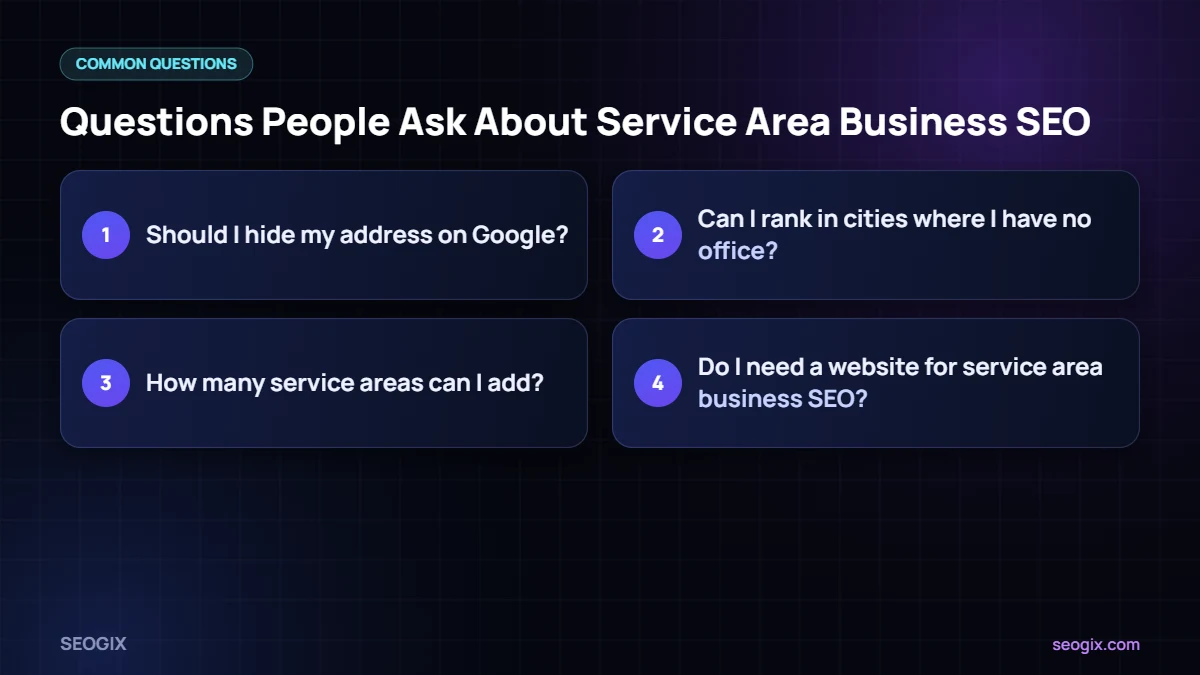
Should I hide my address on Google?
Yes, if customers do not visit you at that address. Google’s guidelines ask service-area businesses to hide their address and set service areas instead.
Can I rank in cities where I have no office?
Your map pack visibility is usually strongest near your verified base. You can still rank organically in other areas with genuinely useful service and area pages.
How many service areas can I add?
Google lets you add multiple service areas, but you should only include places you genuinely serve within a reasonable travel distance.
Do I need a website for service area business SEO?
A website is strongly recommended. It is where you prove relevance for each service and area with detailed content, reviews and examples of your work.